


Grok Imagine has carved out a place among creators who want quick, prompt-driven video and image generation baked into a conversational assistant. But it isn’t the only option, and depending on your budget, workflow, and output goals, another platform may serve you better. Whether you need cinematic AI video, explainer animation, text-to-video repurposing, or fast social edits, this list covers 11 Grok Imagine Alternatives worth trying in 2026, along with their trial offers, pricing, and honest pros and cons.
1. Google Veo 3
Pricing Plans:
- Google AI Plus: $7.99/month
- Google AI Pro: $19.99/month
- Google AI Ultra: up to $249.99/month
- API: $0.05–$0.40 per second
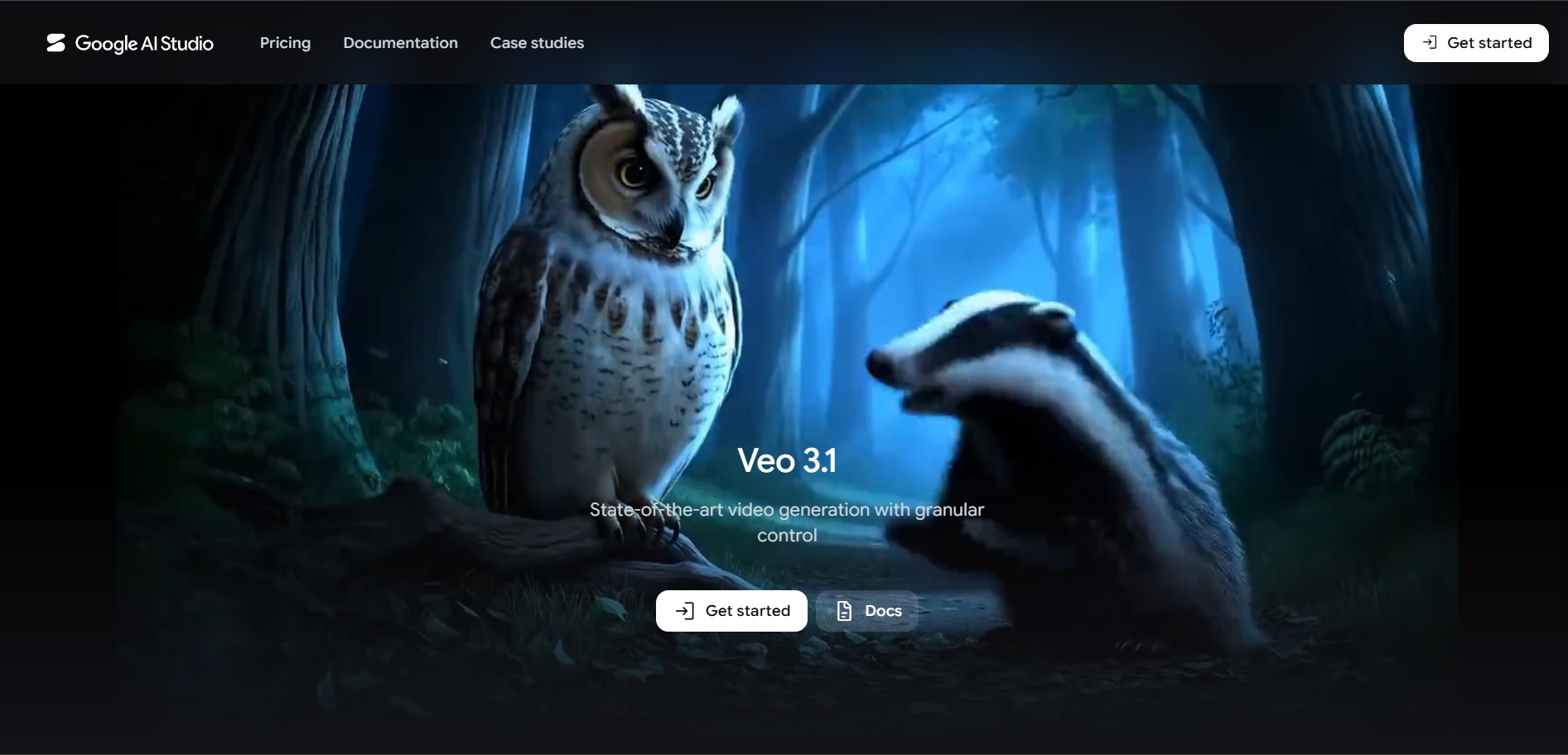
Google Veo 3 is DeepMind’s flagship text-to-video and image-to-video model, capable of producing 8-second clips with synchronized native audio at up to 1080p. It’s accessible through Google Flow, Gemini subscriptions, AI Studio, and the Vertex AI API, giving both casual users and developers multiple entry points depending on their volume needs.
Veo 3 stands out for realism, motion consistency, and built-in sound generation that removes the need for separate audio tools. The pricing structure can feel layered since costs vary by tier, access method, and region, but the free daily credits through Flow make it easy to test before committing to a paid plan.
Pros
- High-quality video with native synchronized audio
- Multiple access paths, including a genuine free tier
- Backed by Google’s infrastructure and reliability
Cons
- Pricing is confusing across Flow, Ultra, and API billing
- 8-second clip cap limits longer storytelling
- Cost can escalate quickly at Standard quality
2. Artlist AI
Pricing Plans:
- AI Starter: from $13.99/month (annual)
- AI Creator: from $41.67/month (annual)
- AI Professional: from $239.99/month (annual)
- Artlist Max: from $39.99/month (annual)
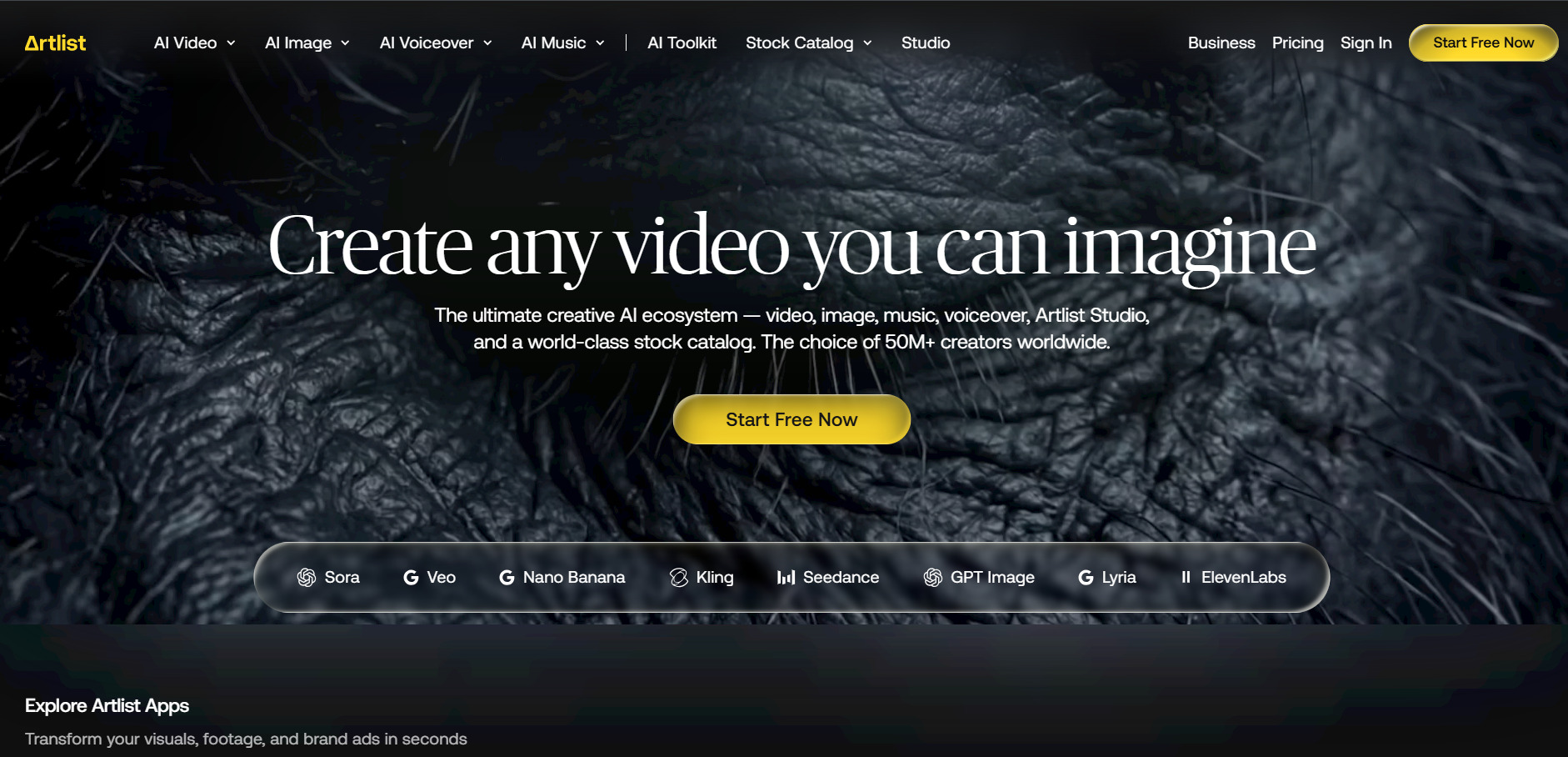
Artlist AI combines a massive stock media library with an AI generation suite that includes Veo 3.1, Sora 2, Kling, and Nano Banana under one shared credit pool. It’s built for creators who want music, footage, templates, and AI video generation bundled into a single ecosystem rather than juggling separate subscriptions.
The Max plan is the best value if you already use Artlist for music or footage, since AI credits become a small add-on cost. But if AI generation is your only need, Artlist’s credit-metered plans run noticeably higher than dedicated video-only tools, making it a better fit for full-service creators than solo AI experimenters.
Pros
- One credit pool works across Veo, Sora, Kling, and more
- Bundles music, footage, and templates with AI tools
- Perpetual licensing on content created during subscription
Cons
- No free trial or freemium option
- AI-only usage is overpriced compared to dedicated tools
- Annual billing is required for the best rates
3. Pictory AI
Pricing Plans:
- Starter: from $19/month (annual)
- Professional: from $35/month (annual)
- Team: custom pricing
- Enterprise: custom pricing
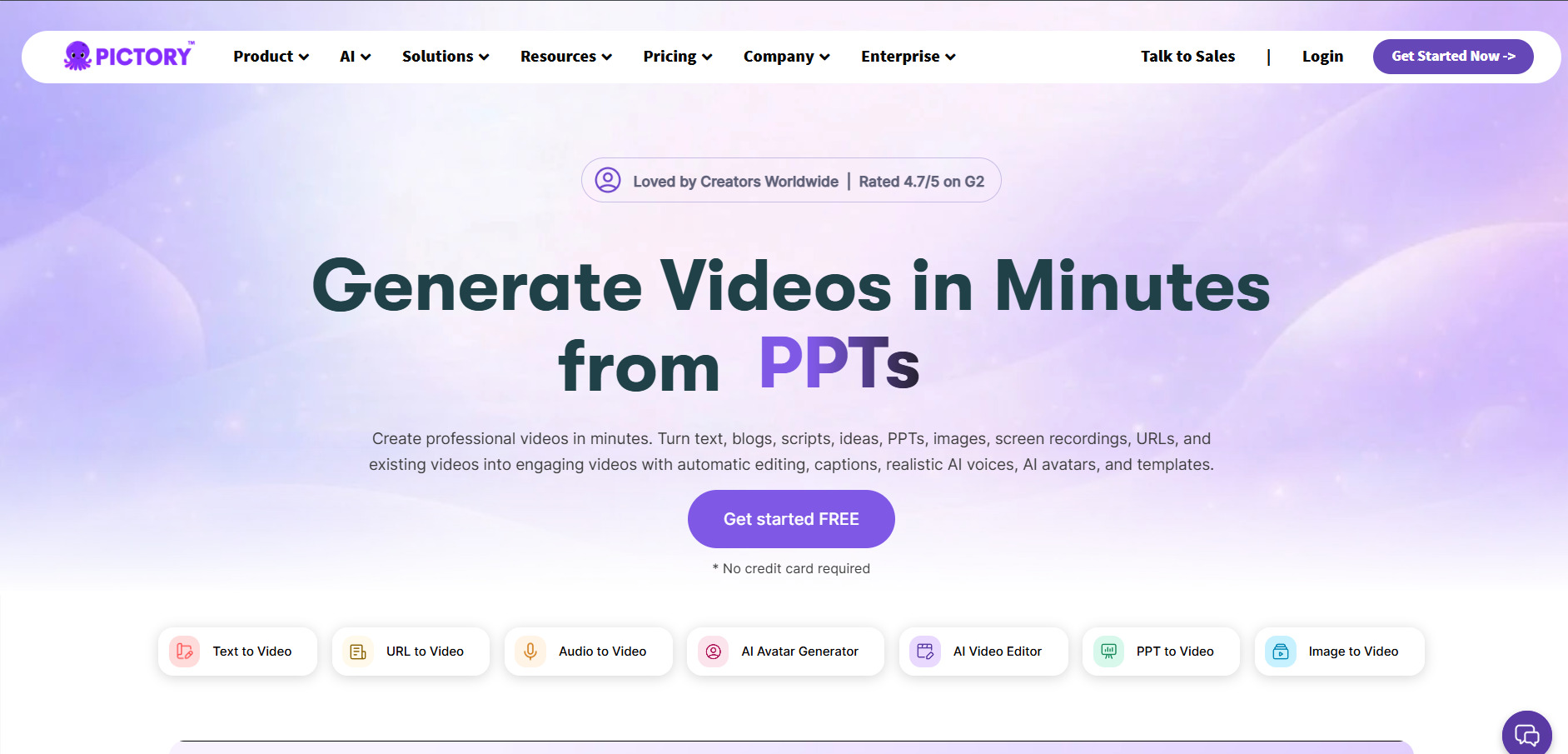
Pictory AI specializes in transforming blog posts, scripts, and long-form text into polished videos using a library of stock footage, AI voices, and automated captioning. It’s widely used by YouTubers, marketers, and bloggers who want to repurpose written content into video without manual editing.
The free trial is genuinely useful for testing the text-to-video workflow before paying, and annual billing brings meaningful savings over monthly rates. The main limitation is that lower tiers cap resolution at 720p, so professional-grade output requires stepping up to the Professional plan or higher.
Pros
- Turns blog posts and scripts into videos automatically
- Large stock footage and music library included
- No credit card required for the free trial
Cons
- Starter plan is limited to 720p resolution
- Less suited for cinematic or generative-style video
- Voice and storage limits require upgrades sooner than expected
4. Wan 2.6
Pricing Plans:
- Starter: around $12/month (annual, 50% off promo)
- Pro: around $24/month (annual, 50% off promo)
- Enterprise: custom pricing
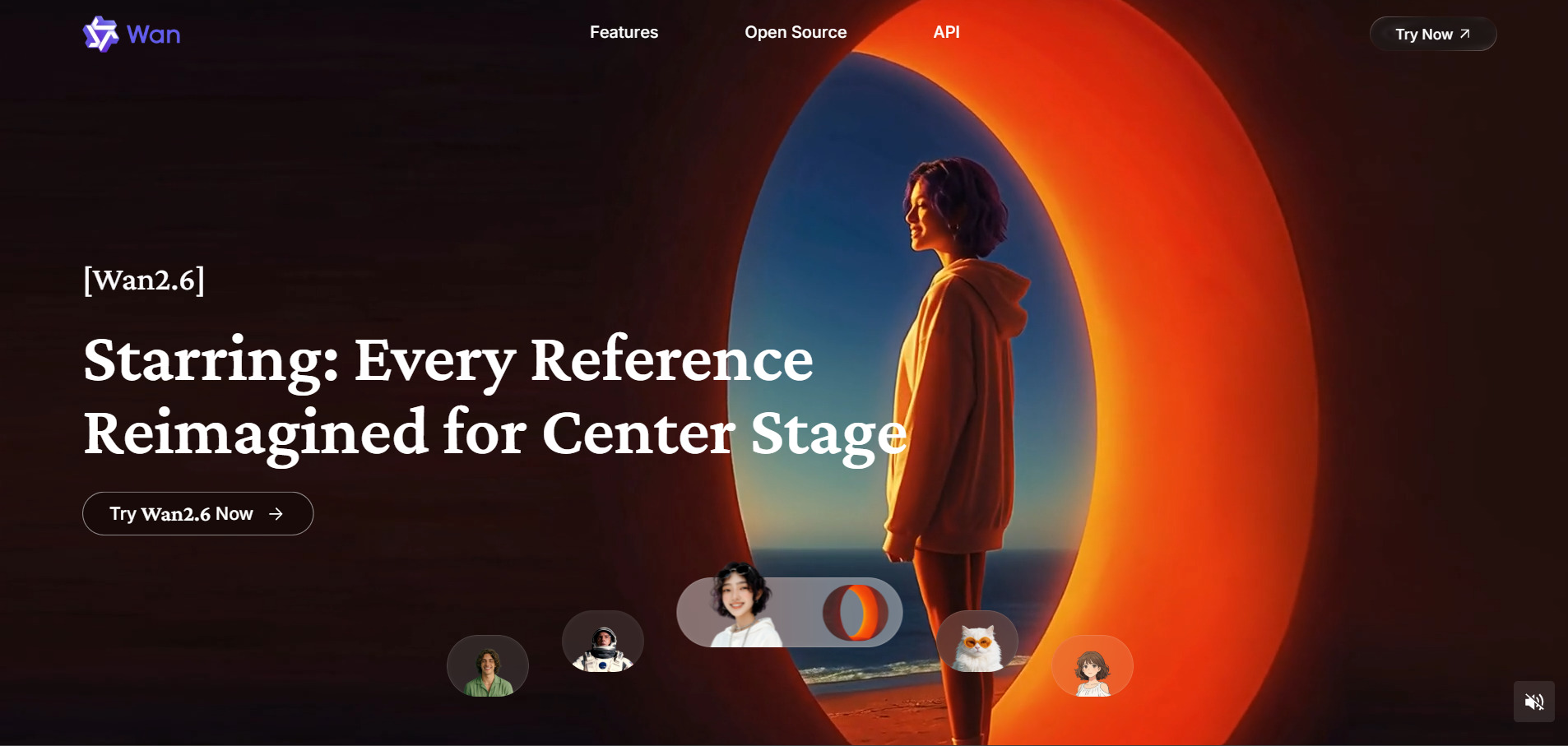
Wan 2.6 is Alibaba’s next-generation multimodal video model, known for multi-shot storytelling, native audio-visual synchronization, and clips up to 15 seconds at 1080p, longer than most competing models like Veo 3. It supports text-to-video, image-to-video, and reference-to-video generation modes.
Its standout feature is maintaining character and scene consistency across multiple connected shots, which makes it ideal for narrative-style content and ads. The free daily quota is a strong on-ramp, and credit-based subscriptions scale affordably compared to premium Western alternatives.
Pros
- Up to 15-second clips, longer than most rivals
- Strong character and scene consistency across shots
- Genuine free daily quota with no card required
Cons
- Multiple unofficial resellers make pricing inconsistent
- Less brand recognition and community support than Veo or Sora
- Some resolution options are model-dependent
5. Vyond Go
Pricing Plans:
- Starter: from $58/month (annual)
- Professional: from around $100/month
- Enterprise: around $137/month per user
- Agency: around $167/month per user
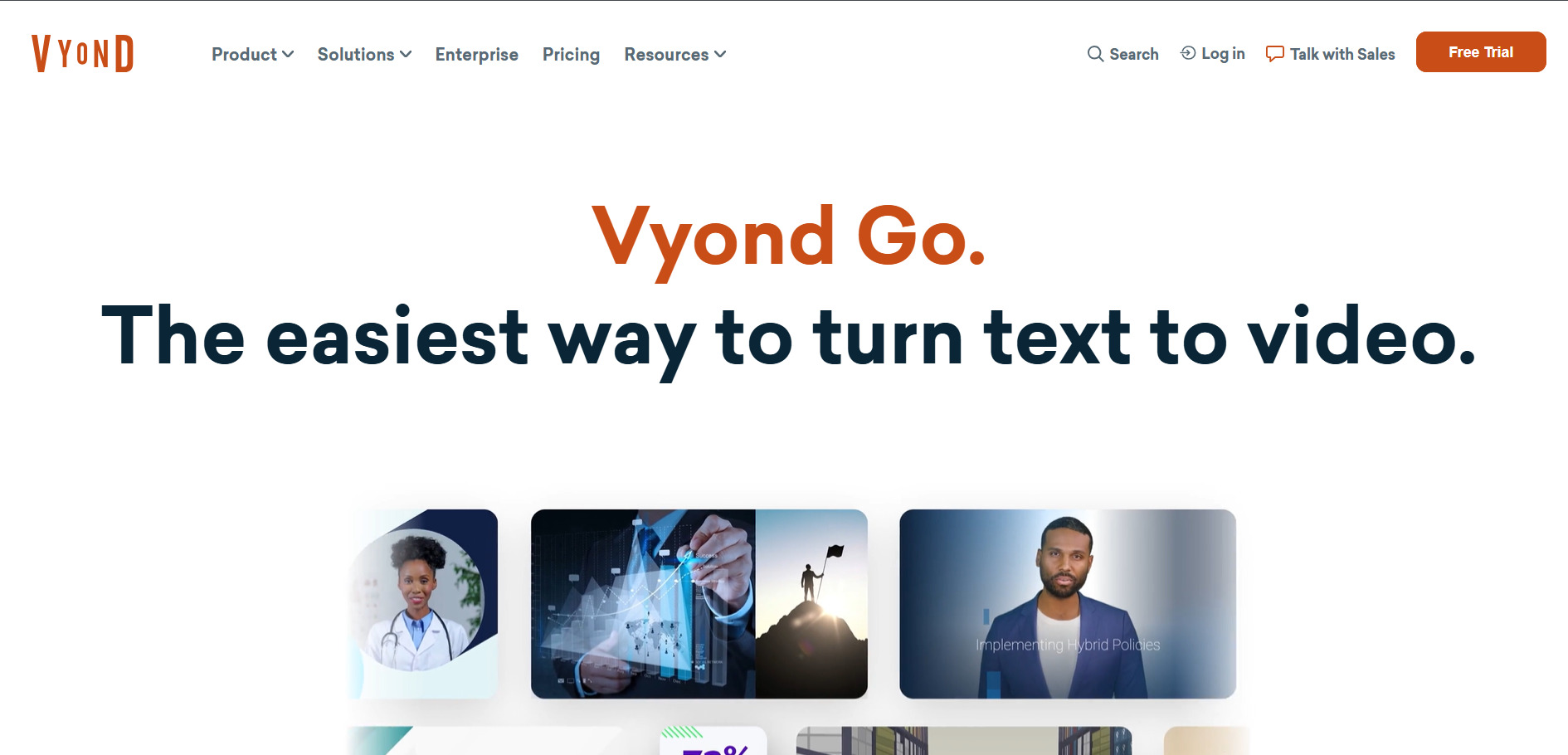
Vyond Go is a character-driven animation platform popular for eLearning, corporate training, and explainer videos rather than cinematic AI generation. Its script-to-video AI tools can draft a rough scene automatically, but most creators use it for hands-on animation with drag-and-drop characters and text-to-speech narration.
Vyond’s strength lies in professional-grade animated storytelling with fine control over gestures and lip sync, though the pricing sits well above typical AI video generators. The free trial lets you test the editor fully, but the watermark and credit-based download system push most serious users toward the paid Starter tier quickly.
Pros
- Strong character animation and lip-sync controls
- Popular for eLearning and corporate training content
- 14-day trial with no credit card required
Cons
- Pricing is significantly higher than most alternatives
- AI script-to-video output needs manual rework
- Credit-based downloads make costs less predictable
6. Creatify AI
Pricing Plans:
- Free: $0/month
- Starter: $39/month
- Pro: $99/month
- Enterprise: custom pricing
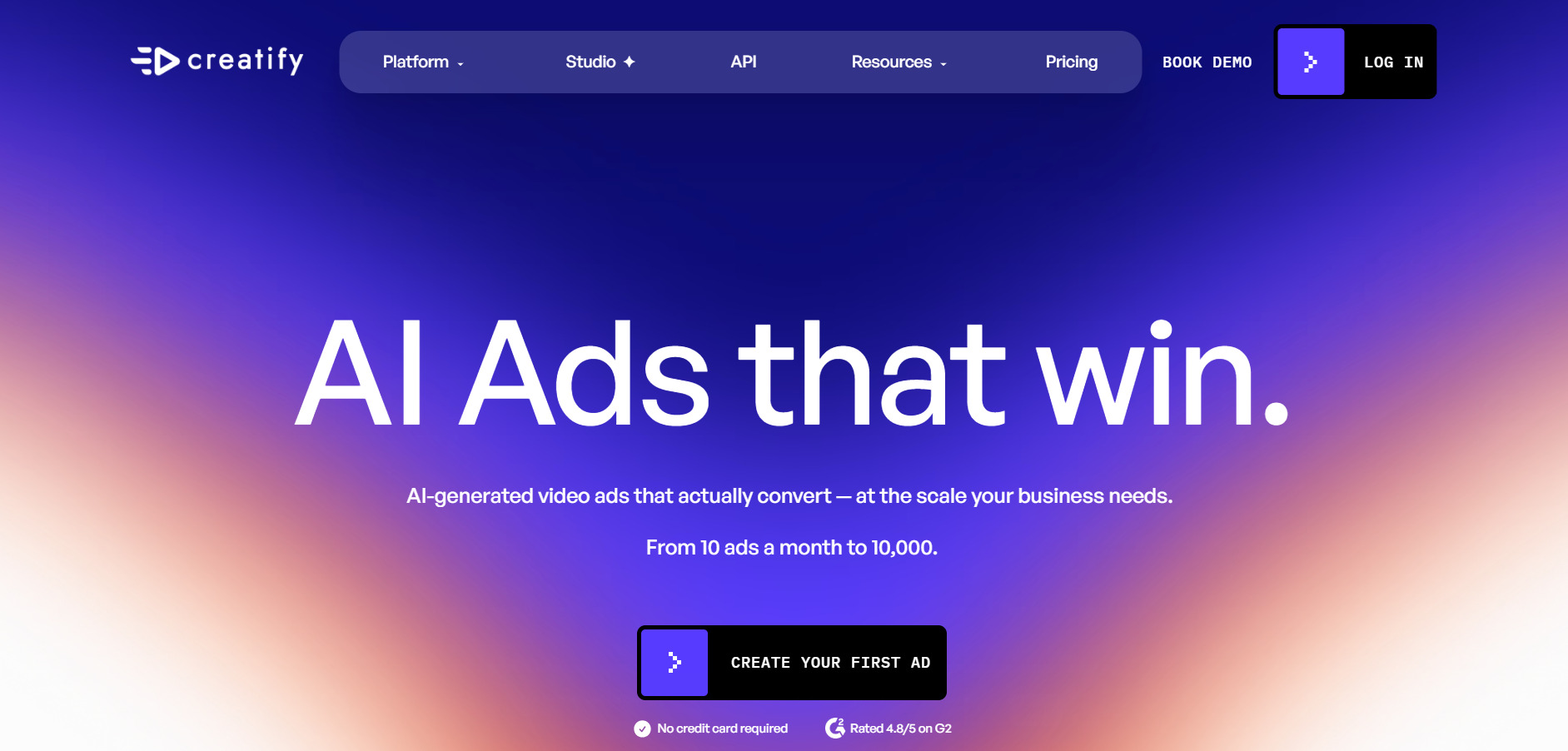
Creatify AI is built specifically for generating video ads from a product URL, using AI actors, scripted voiceovers, and a large template library. It’s aimed at e-commerce sellers, agencies, and marketers who need many ad variations quickly rather than one polished cinematic video.
The free plan is a solid way to preview quality, but credit costs range from 2 to 20 per video depending on length and avatar quality, meaning the Starter plan realistically covers only a handful of high-quality videos each month. Custom avatars and batch production remain locked behind the pricier Pro tier.
Pros
- Generates ad-ready videos directly from a product URL
- Large avatar and voice library for UGC-style ads
- Free plan requires no credit card to start
Cons
- Credit costs make Starter plan output limited
- Custom avatars only available on the Pro tier
- Credits expire every two months rather than rolling over
7. Lumen5
Pricing Plans:
- Free (Community): $0/month
- Basic: from $19–$29/month
- Starter: from $59/month
- Professional: from $149/month
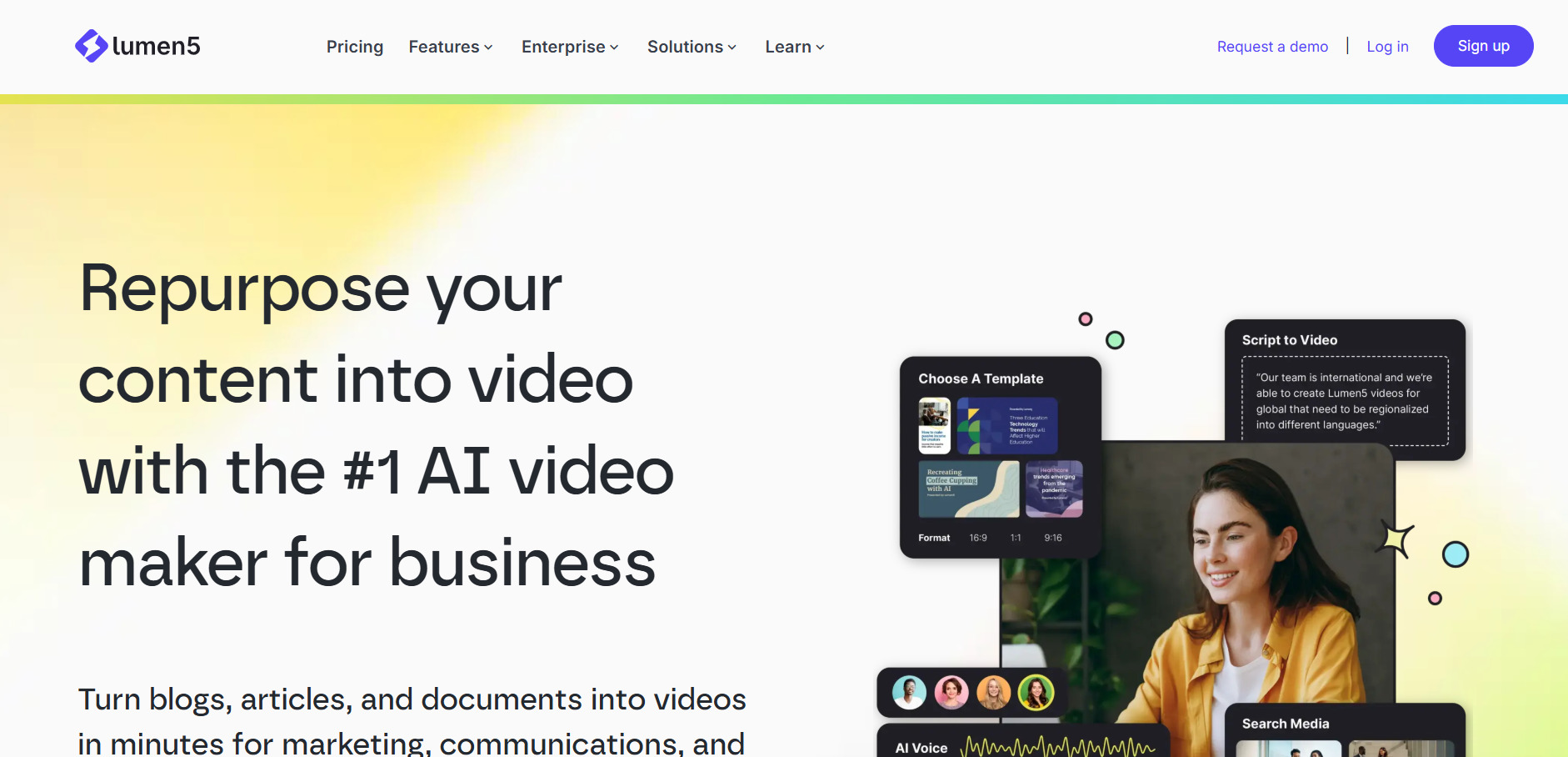
Lumen5 turns blog posts, articles, and scripts into social-friendly videos using AI-matched stock footage, automated captions, and a drag-and-drop editor. It’s a favorite among marketing teams that want to repurpose written content into short-form video without hiring an editor.
The free Community plan is genuinely usable for light experimentation, though 720p resolution and branding limitations push most users toward the Starter tier for 1080p exports and a full stock library. AI visual matching is convenient but not perfect, often requiring manual clip swaps for accuracy.
Pros
- Free forever plan with no time limit
- Turns written content into video automatically
- Simple drag-and-drop interface for non-editors
Cons
- AI footage matching is roughly 70% accurate out of the box
- Higher tiers get expensive for small teams
- Limited advanced editing or custom animation options
8. VideoProc AI
Pricing Plans:
- Premium 365 (annual): from $34.95/year
- Lifetime License: $54.95 one-time (1 device)
- Family License: $79.95 one-time (3–5 devices)
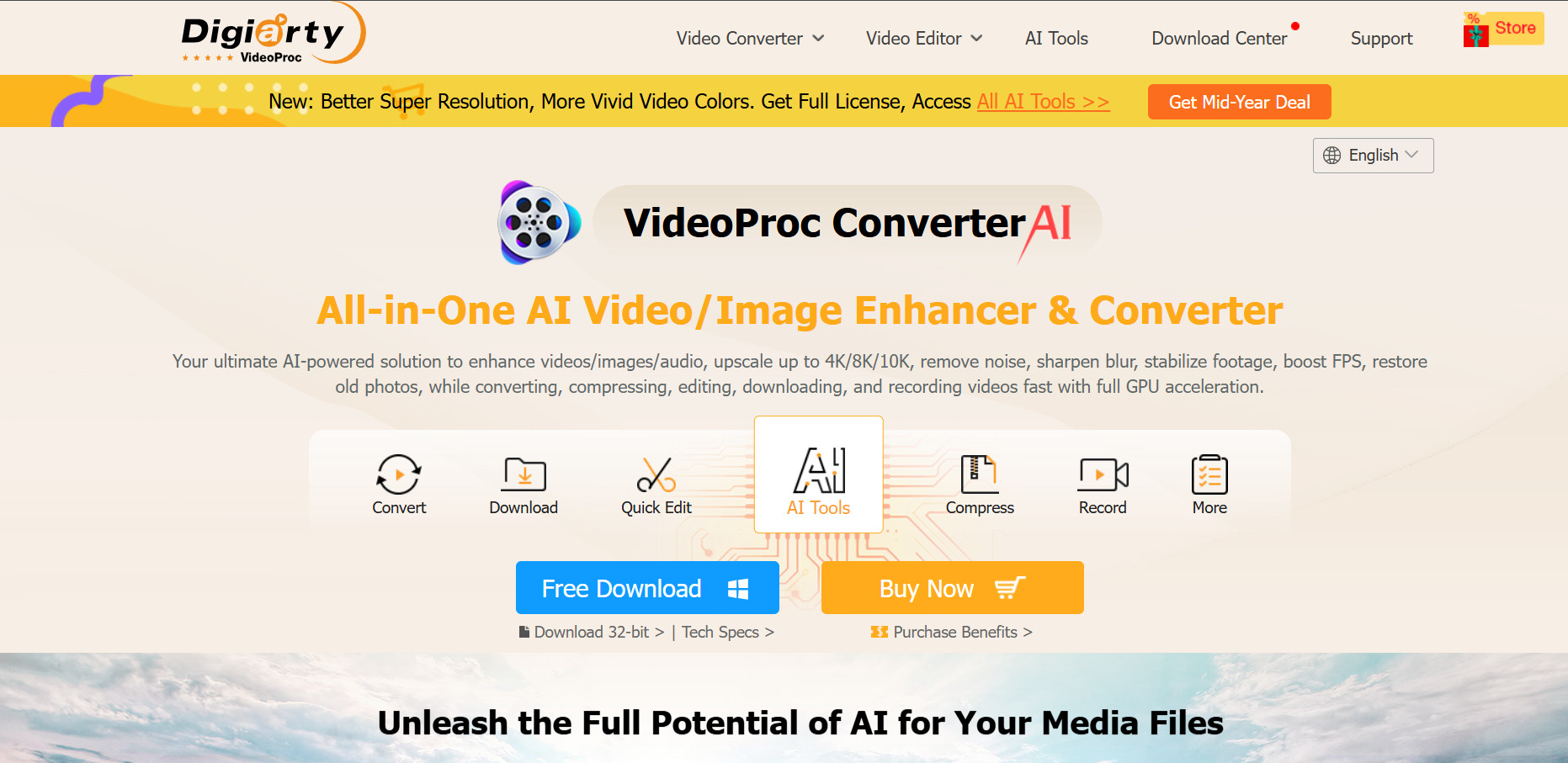
VideoProc AI is a desktop-based video converter and editor with AI-powered features like upscaling, noise reduction, stabilization, and object removal. It’s positioned less as a generative AI video tool and more as an AI-assisted editing and conversion suite for creators working with existing footage.
Its one-time lifetime license option makes it appealing for users who dislike recurring subscriptions, a rarity in this category. The tradeoff is that it doesn’t generate original AI video from prompts the way Veo or Wan does, so it’s best paired with a generative tool rather than used as a standalone replacement.
Pros
- One-time lifetime license avoids ongoing subscriptions
- Strong AI upscaling and video repair tools
- Affordable annual plan compared to cloud-based tools
Cons
- No true generative text-to-video capability
- Desktop-only, lacking cloud collaboration features
- Interface feels dated next to modern web-based AI editors
9. CapCut AI
Pricing Plans:
- Free: $0/month
- Standard: around $4.99–$10/month
- Pro: around $19.99–$20/month
- Team: $24.99/month per user
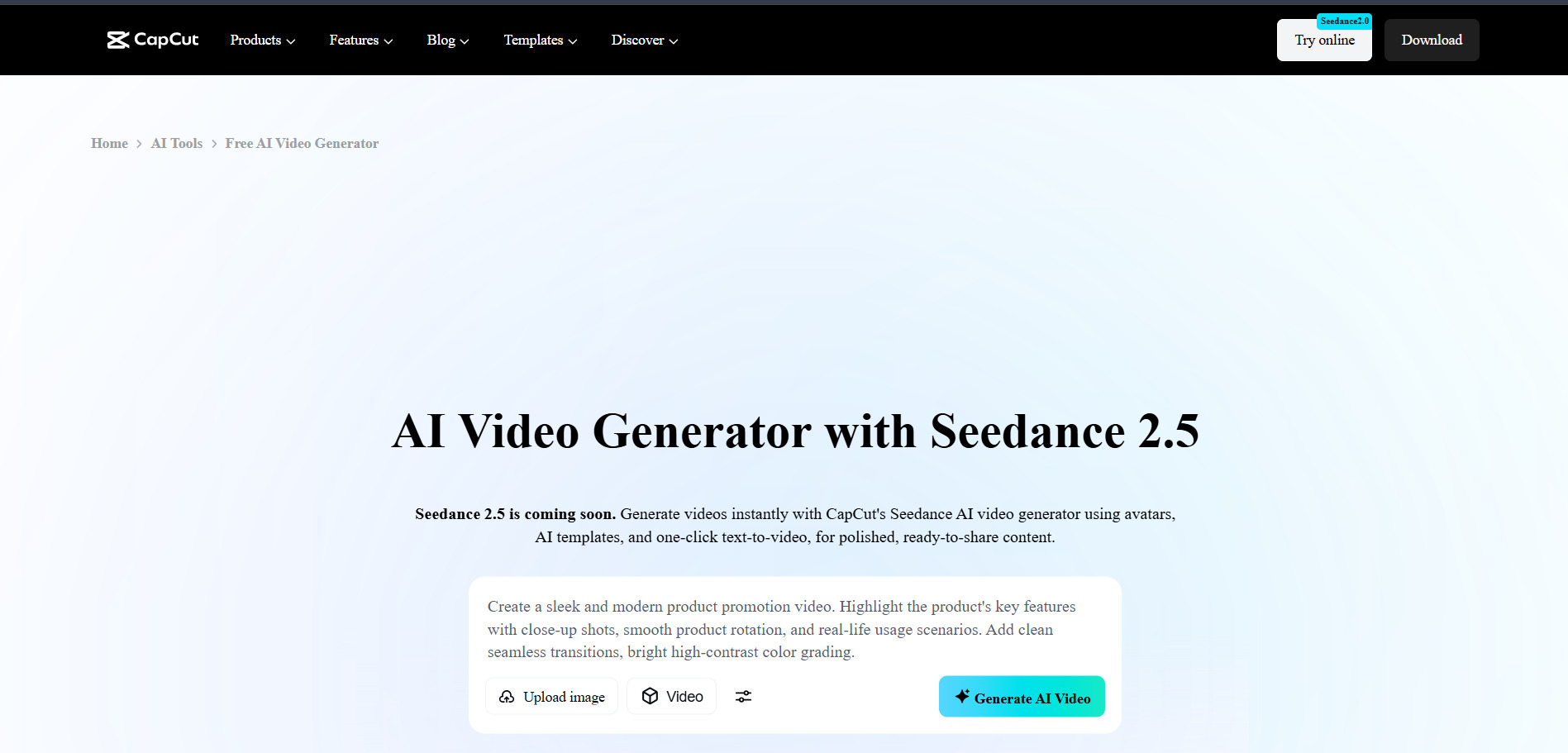
CapCut AI is one of the most accessible AI-powered editors available, offering auto-captions, background removal, text-to-speech, and template-driven editing entirely free for most short-form creators. Its Pro tier adds AI video generation from prompts, voice cloning, and priority rendering for more advanced workflows.
The free plan is unusually generous, letting solo creators export professional 1080p videos without watermarks for most formats. Recent price increases on the Pro tier have made it less of a bargain than before, and ByteDance’s broad content licensing terms are worth reviewing before uploading sensitive material.
Pros
- Free plan is genuinely production-ready
- Fast, intuitive editing with strong AI auto-tools
- Cross-platform: desktop, web, and mobile apps
Cons
- Pro pricing has risen sharply in 2026
- AI credits are metered separately from the subscription
- Broad content licensing terms raise privacy concerns
10. Kapwing AI
Pricing Plans:
- Free: $0/month
- Pro: from $16–$24/month (annual)
- Business: from $64/month
- Enterprise: custom pricing
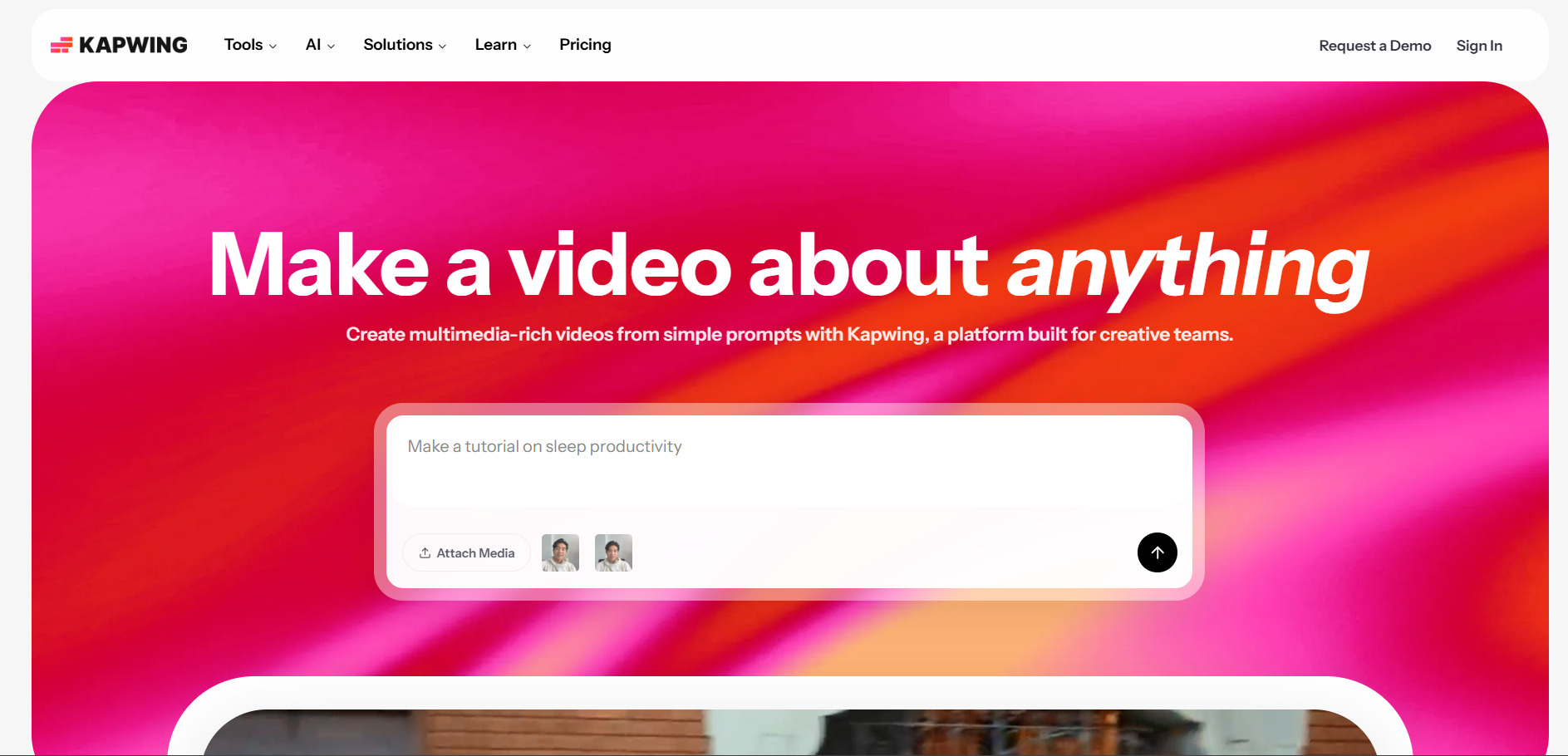
Kapwing AI is a browser-based video editor built for social media creators, offering AI subtitles, silence removal, clip extraction, and video repurposing tools. It competes directly with CapCut and VEED, focusing on speed and collaborative editing without requiring any software installation.
Its standout feature is automatically removing dead air, filler words, and silence gaps from long recordings, which saves significant manual editing time. It lacks native AI voiceover generation, and its AI clip extraction works best on simple talking-head content rather than fast-paced, heavily edited footage.
Pros
- Excellent automatic silence and filler-word removal
- Fully browser-based with real-time team collaboration
- Reasonable Pro pricing compared to desktop competitors
Cons
- No AI voiceover or narration generation
- Clip extraction struggles with complex edited footage
- Storage limits fill up quickly with raw video files
11. Wireflow
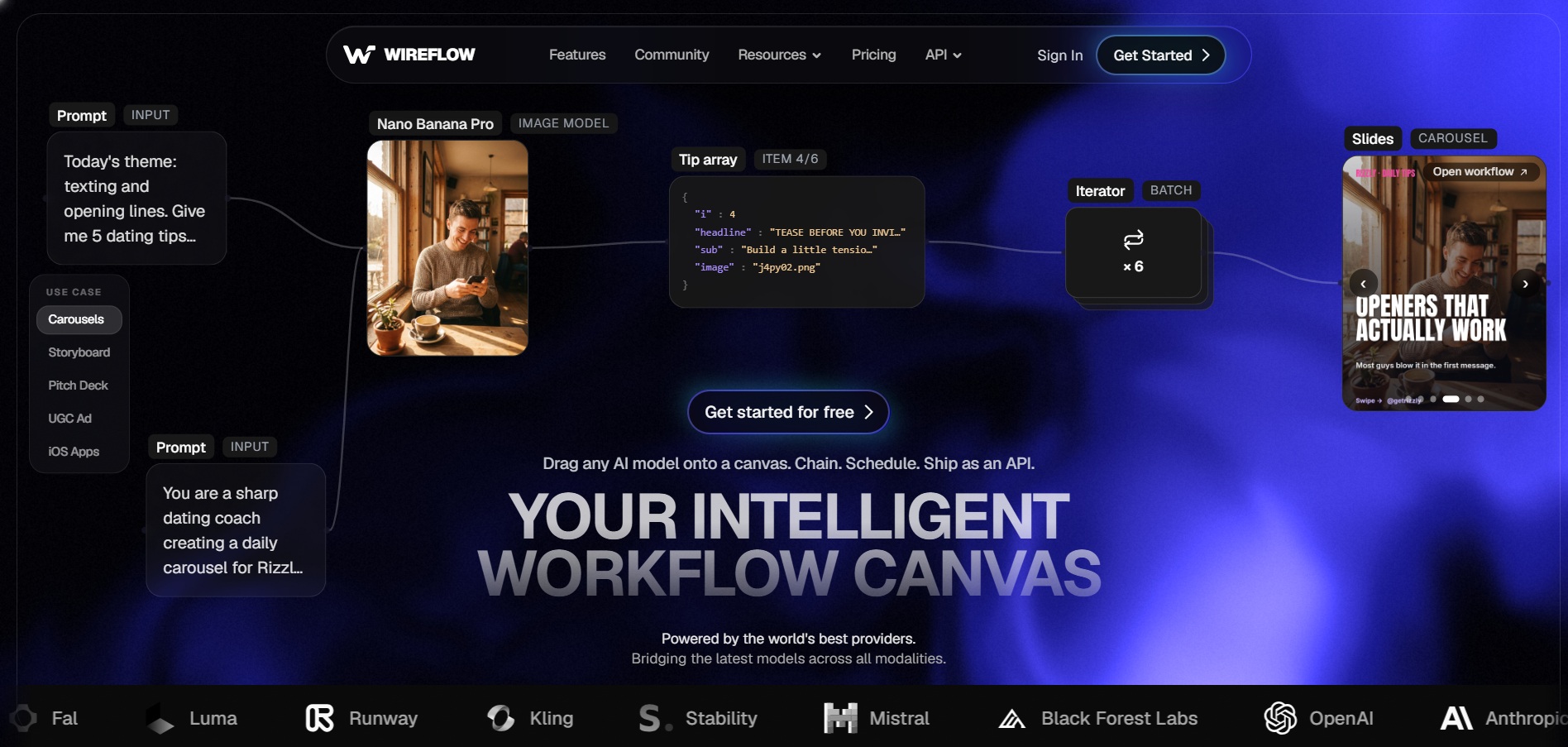
Wireflow is a node-based AI creative platform that lets users chain multiple models, including Veo, Sora, Kling, Runway, and ElevenLabs, into a single repeatable workflow on one visual canvas. It’s designed for developers and creative teams who want flexibility across 100+ models rather than being locked into one vendor.
Pros
- Access to 100+ AI models across image, video, and audio
- Visual node-based workflows are reusable and API-ready
- Free workflow building with no credit card required
Cons
- Credit costs vary widely depending on model choice
- Long-form video is assembled from clips, not rendered in one shot
- Learning curve for the node-based canvas interface
| Alternative | Description |
|---|---|
| Google Veo 3 | Google DeepMind’s flagship AI video model with native audio and multiple access tiers through Flow, Gemini, and Vertex AI. |
| Artlist AI | All-in-one creative platform combining stock media, music, and a shared-credit AI generation suite across top models. |
| Pictory AI | Text-to-video platform that converts blog posts and scripts into videos with stock footage and AI narration. |
| Wan 2.6 | Alibaba’s multimodal video model offering multi-shot storytelling and longer 15-second clips with native audio sync. |
| Vyond Go | Character-driven animation platform for eLearning and explainer videos with AI-assisted script-to-video drafting. |
| Creatify AI | AI ad generator that turns a product URL into video ads using AI actors, voices, and templates. |
| Lumen5 | Automated video creator that repurposes written content into social-ready videos with AI-matched footage. |
| VideoProc AI | Desktop AI-assisted video editor and converter with upscaling and repair tools, sold via one-time licenses. |
| CapCut AI | Widely used AI editor with a generous free tier, auto-captions, and prompt-based video generation on Pro. |
| Kapwing AI | Browser-based collaborative editor specializing in silence removal, subtitles, and clip repurposing. |
| Wireflow | Node-based AI orchestration platform that chains 100+ models into reusable, API-ready video workflows. |
Conclusion
Google Veo 3 and Wan 2.6 are strong picks for cinematic, prompt-driven generation, while Pictory AI and Lumen5 shine at turning written content into video automatically. Creators focused on ads should look at Creatify AI, teams needing structured animation should consider Vyond Go, and anyone wanting fast, no-cost editing will find CapCut AI or Kapwing AI hard to beat. For developers or agencies who want flexibility across many models in one pipeline, Wireflow and Artlist AI offer the broadest toolsets. The right choice ultimately depends on your budget, your output format, and how much control you want over the generation process.


