

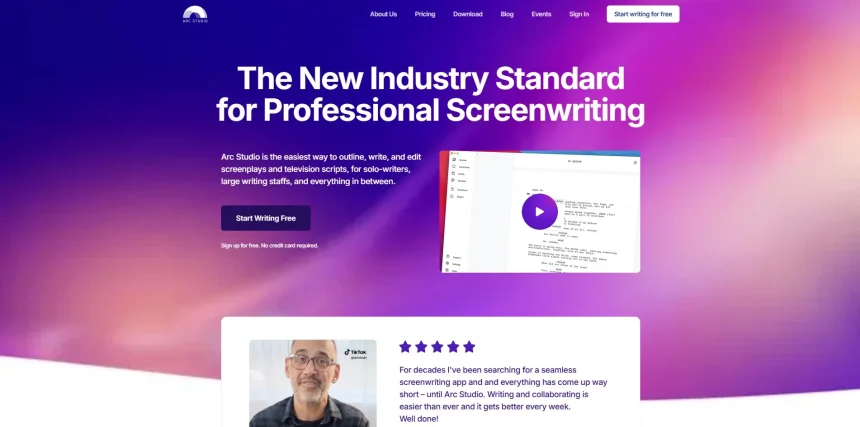
Arc Studio Pro has earned a loyal following among screenwriters for its clean interface and collaborative outlining tools, but it isn’t the only option worth considering. Writers today want more flexibility, AI-assisted drafting, cross-platform access, or pricing that better matches their budget. Whether you write features, novels, or video scripts, the tools below cover a wide range of needs, from lightweight plain-text apps to full AI-powered writing assistants. This article have 13 solid Arc Studio Pro Alternatives, covering their trial availability, official pricing, and a balanced look at their strengths and weaknesses, so you can pick the one that fits your workflow best.
1. StoryCraft AI

StoryCraft AI keeps pricing details close to the chest, with plans not fully published on its site, so most users start through the trial before deciding on a paid tier. Contact for Pricing
StoryCraft AI positions itself as a writing assistant that turns raw video or story ideas into structured, research-backed scripts. It breaks concepts into a hook, introduction, body, and call to action, then researches each section automatically. This makes it especially useful for creators who need fast first drafts without starting from a blank page every time.
Instead of scattered notes, StoryCraft AI presents your script as an interactive visual storyboard you can explore and refine. It’s built for content creators and video scriptwriters more than traditional screenwriters, so it won’t replace industry-standard screenplay formatting tools. Still, for YouTube scripts or short-form video planning, it removes a lot of the early structuring work.
Pros
- Automatically structures scripts into clear sections
- Adds research and supporting facts to ideas
- Visual storyboard view aids clarity
- Good fit for video content creators
Cons
- Pricing isn’t transparently published
- Not built for industry screenplay formatting
- Less suited to long-form feature scripts
2. Google Gemini

Google AI Plus – Paid Tier
Google AI Ultra – Premium Tier
Gemini offers a generous free version, with Google AI Plus and Google AI Ultra subscription tiers unlocking higher usage limits and advanced models; exact regional pricing is listed on the Google One site.
Google Gemini isn’t a dedicated screenwriting tool, but its strong reasoning and long-context capabilities make it a capable brainstorming and drafting partner for writers. You can paste in outlines, ask for dialogue punch-ups, or request beat sheets, and Gemini responds with coherent, contextually aware suggestions across long documents.
Because Gemini integrates with Google Docs and Workspace, writers who already live in that ecosystem get a smooth workflow without switching apps constantly. The tradeoff is that it lacks screenplay-specific formatting, scene cards, or production tools that dedicated apps like Arc Studio Pro provide out of the box, so it works best as a supplement rather than a replacement.
Pros
- Free tier is genuinely usable
- Strong long-context understanding
- Deep integration with Google Docs/Workspace
- Fast iteration on dialogue and structure
Cons
- No native screenplay formatting
- No dedicated scene or beat board
- Not built specifically for screenwriters
3. Storyflow
Pro Plan – Paid Tier
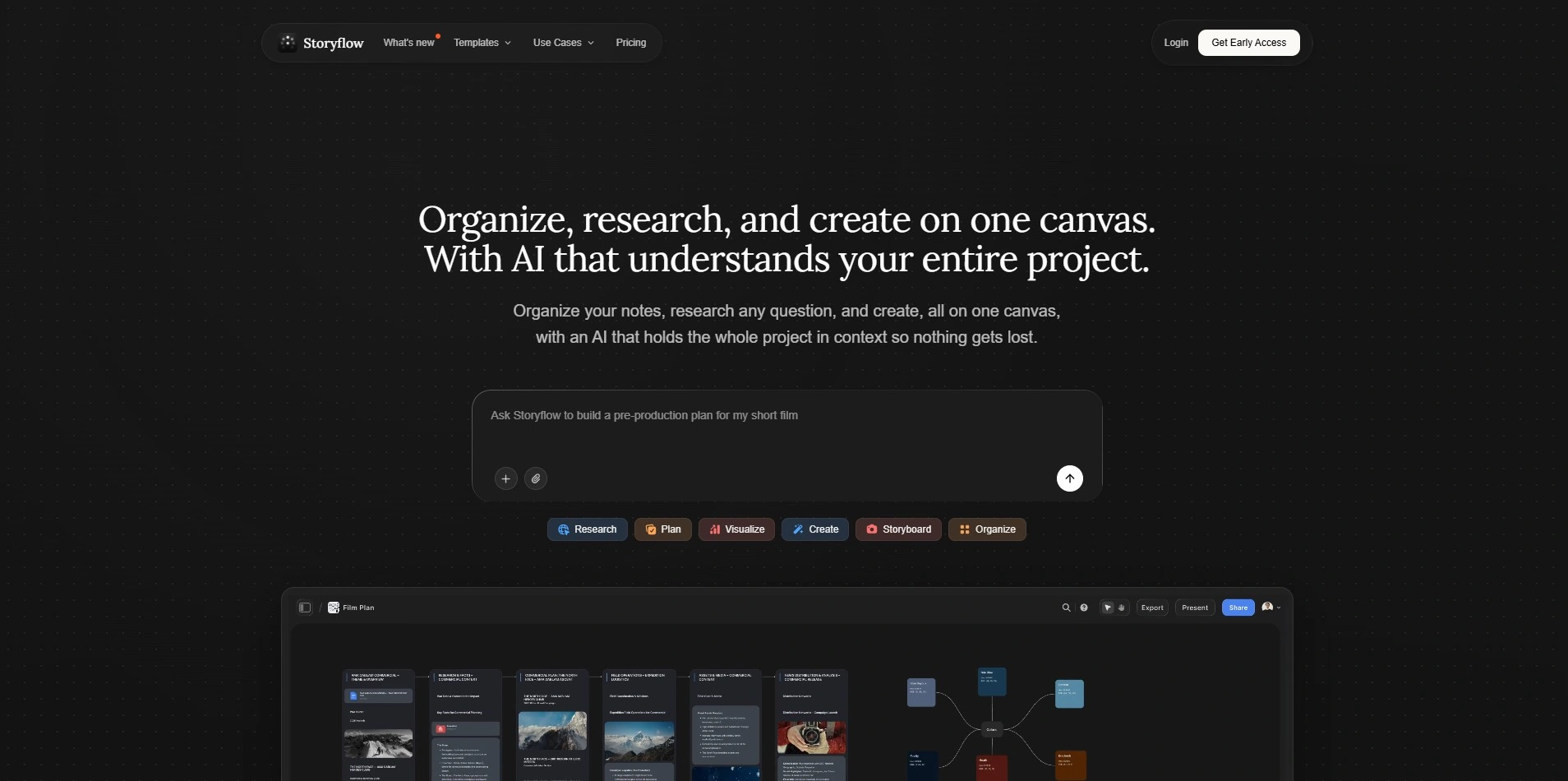
Storyflow’s free plan includes unlimited projects, basic AI usage, and 20 file uploads, genuinely usable for a solo writer; paid tiers unlock deeper AI features and are listed on Storyflow’s official pricing page.
Storyflow builds around the idea of a “canvas” that holds your story bible as a knowledge graph, tracking characters, world rules, and season arcs in one connected space. This makes it particularly strong for writers managing series with ongoing continuity, since the AI reads the whole graph rather than isolated documents.
The free tier is unusually generous compared to competitors, letting a solo writer run one feature and develop the next without hitting a hard paywall. Storyflow leans heavily on AI-assisted development rather than pure formatting, so writers wanting a minimalist plain-text experience may find it more feature-dense than needed.
Pros
- Free plan is genuinely usable long-term
- Strong for series bibles and continuity
- AI reads the full story graph for context
- Good structural canvas for planning
Cons
- Can feel dense for simple, single scripts
- AI-heavy approach may not suit purists
- Paid tier pricing requires checking site directly
4. ScriptAI Pro
Tiered Monthly Plans
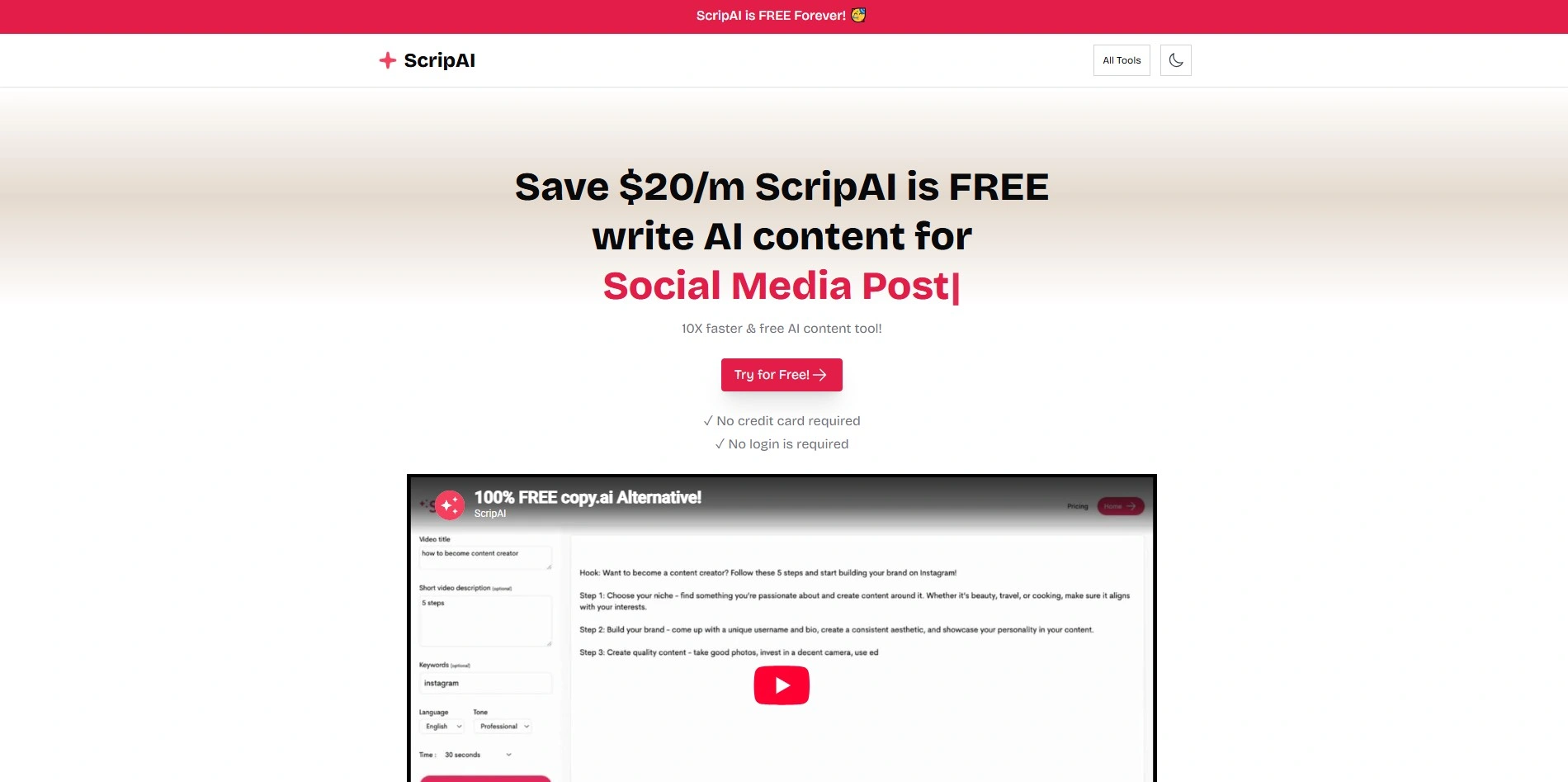
ScriptAI Pro offers a free trial period before committing, with paid monthly plans scaling by usage and features; check the official site for current regional pricing figures.
ScriptAI Pro targets writers who want AI assistance layered directly onto a script editor, offering suggestions for dialogue, pacing, and scene transitions as you type. It’s designed to reduce the friction between having an idea and getting usable prose or formatted dialogue onto the page quickly.
The tool markets itself toward both screenwriters and content writers, which gives it flexibility but also means it doesn’t specialize as deeply in industry screenplay formatting as legacy tools. Writers who need heavy customization or offline access may find it more cloud-dependent than they’d prefer for professional submissions.
Pros
- Real-time AI suggestions while writing
- Flexible for scripts and general content
- Free trial lowers the barrier to test it
- Simple, approachable interface
Cons
- Less specialized in industry formatting
- Heavily cloud-dependent
- Pricing details are not fully standardized publicly
5. Vimeo AI Script Writer
Included in Vimeo Paid Plans
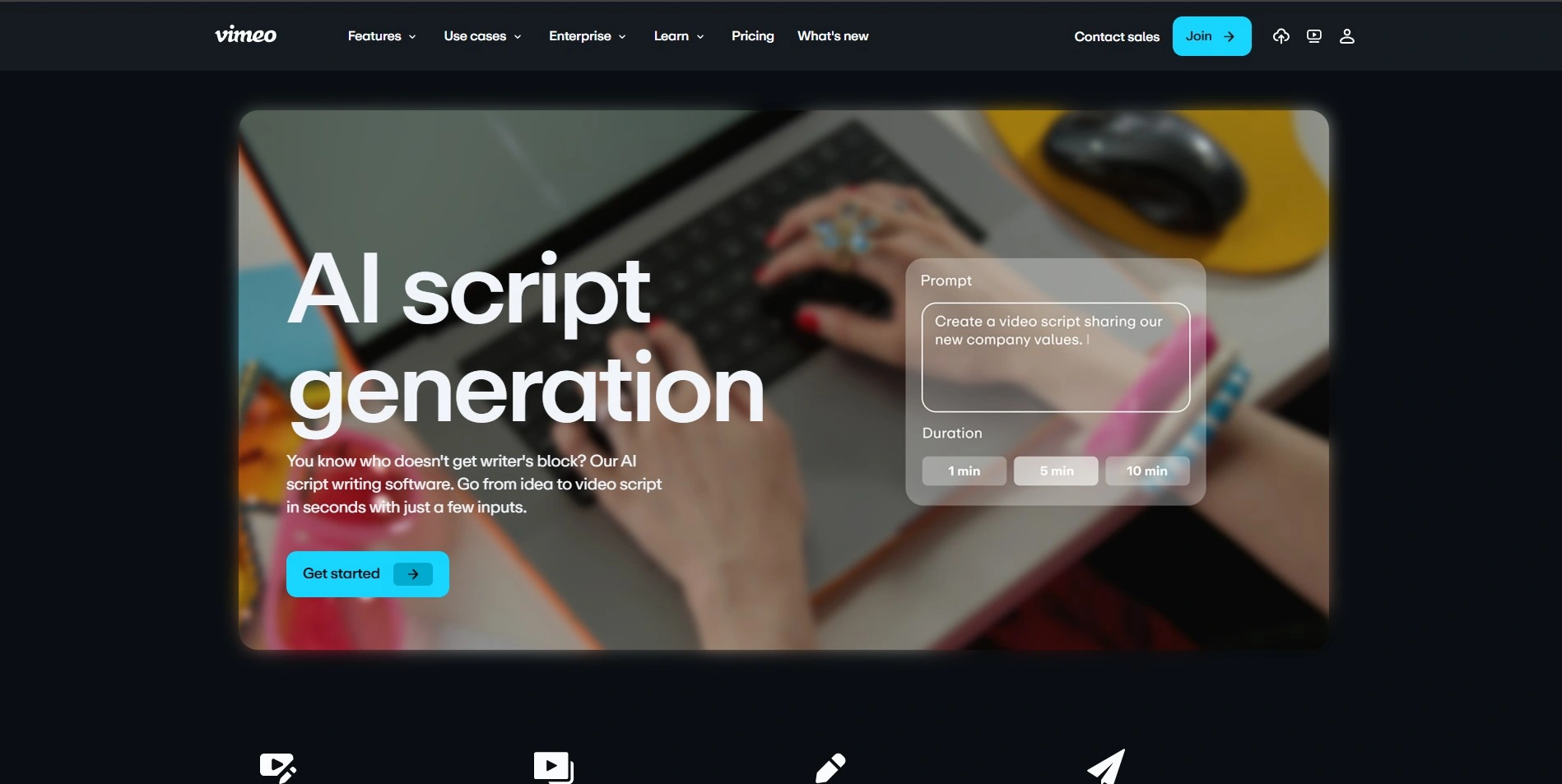
Vimeo AI Script Writer is bundled inside Vimeo’s broader video platform subscriptions, so pricing follows Vimeo’s Starter, Standard, Advanced, and Enterprise tiers listed on Vimeo’s official pricing page.
Vimeo’s AI Script Writer is built for video creators rather than traditional screenwriters, generating scripts for marketing videos, YouTube content, or short explainer pieces. Because it’s part of the larger Vimeo ecosystem, it connects naturally to video hosting, editing, and distribution tools already used by many creators.
The tool works best for short-form, purpose-driven scripts rather than long narrative screenplays, so writers working on features or television pilots won’t find dedicated formatting support here. It’s a convenient add-on if you’re already paying for Vimeo, but a weaker standalone choice for dramatic screenwriting.
Pros
- Seamless integration with Vimeo’s video tools
- Good for quick marketing and explainer scripts
- Bundled value if already using Vimeo
- Simple, fast generation process
Cons
- Not designed for feature-length screenplays
- Requires a Vimeo subscription to access fully
- Limited standalone screenwriting features
6. Squibler
Plus Plan – ~$16–$29/mo
Pro Plan – ~$49–$89/mo
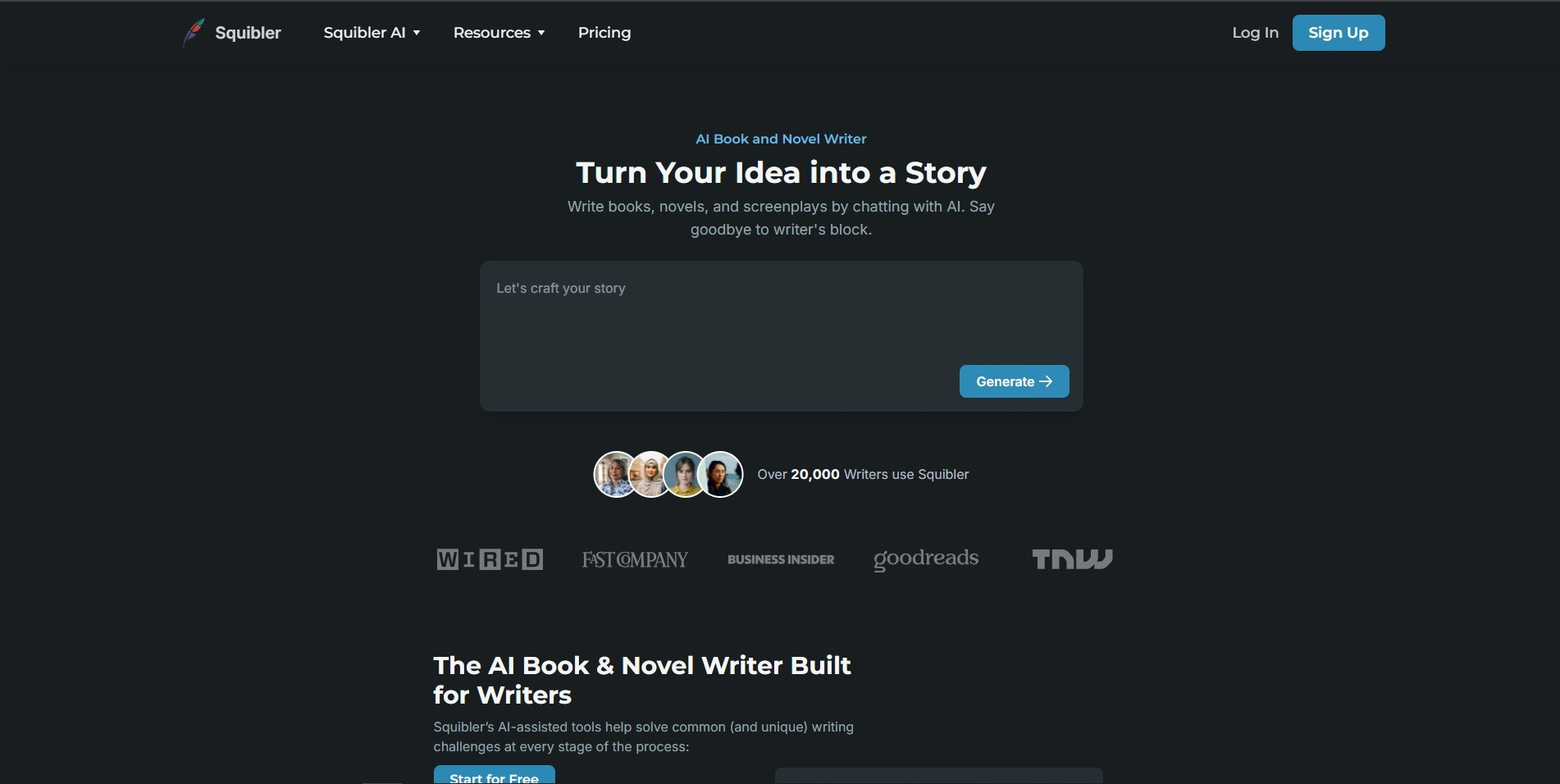
Squibler offers a free limited tier plus a Plus plan discounted to roughly $16/month annually (list price around $29), and a Pro plan around $49/month annually (list price near $89) with unlimited AI credits, per Squibler’s official pricing page.
Squibler is a versatile writing platform covering novels, screenplays, and self-help books, using drag-and-drop note cards and AI-assisted manuscript generation. Its AI Smart Writer helps overcome writer’s block by generating outlines, plot twists, and full drafts, making it appealing for authors who want structure plus creative AI support in one place.
Because Squibler adapts to multiple formats rather than specializing purely in screenplays, dedicated screenwriters may find some features feel general-purpose. The pricing gap between the Plus and Pro tiers is notable, so writers should evaluate exactly how much AI usage they need before choosing the higher tier.
Pros
- Works across novels, screenplays, and books
- AI Smart Writer aids outlining and plot development
- Free tier available with no time limit
- Drag-and-drop organization is intuitive
Cons
- Pro tier pricing is high compared to competitors
- Not purely screenplay-focused
- Free tier lacks AI Smart Writer access
7. Beemgee
Monthly & Annual Plans
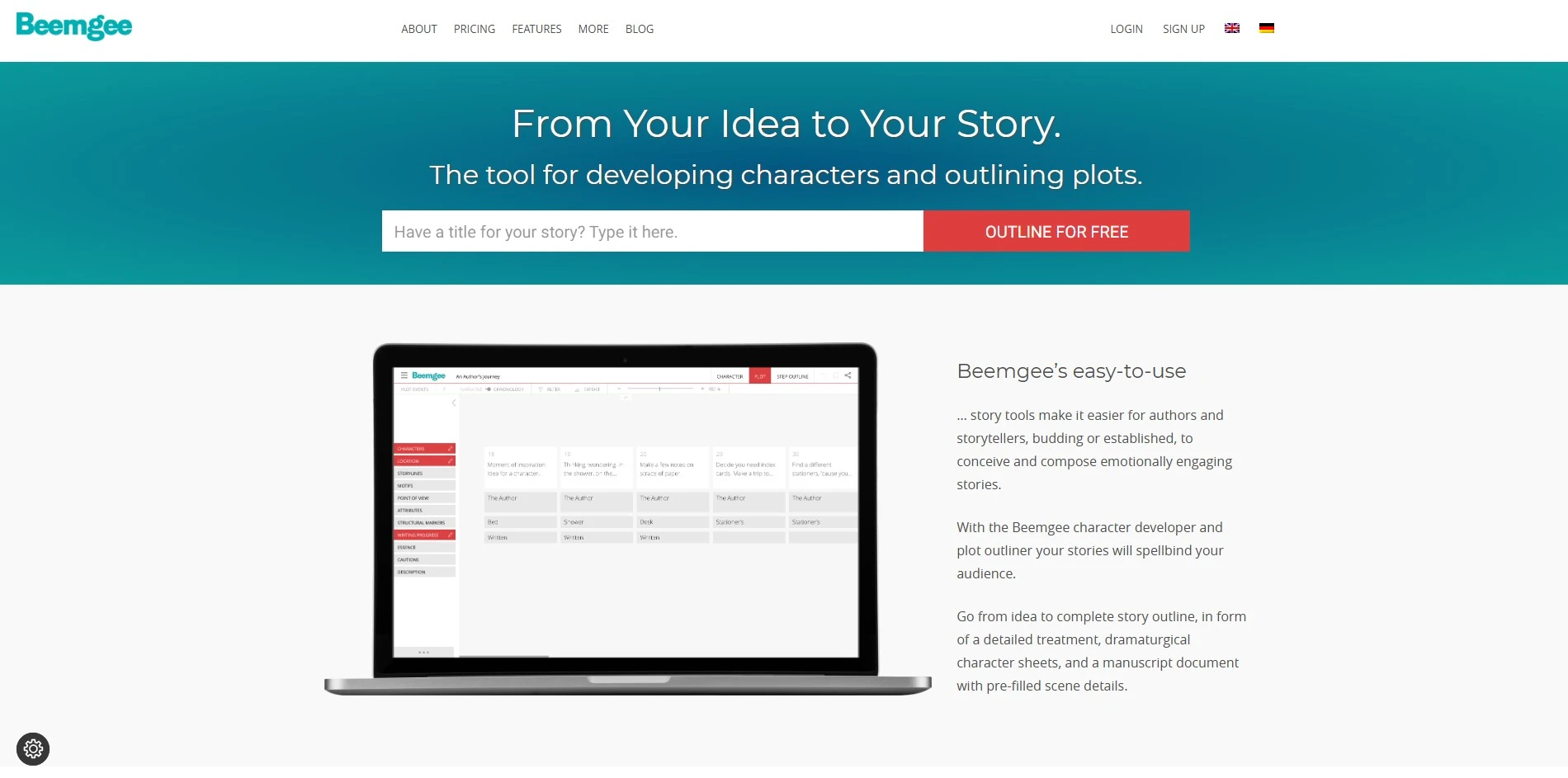
Beemgee offers a trial period to explore its story-plotting tools before subscribing, with monthly and discounted annual pricing available directly on Beemgee’s official site.
Beemgee focuses on story architecture, helping writers build characters, plot structures, and story arcs visually before diving into prose or script pages. It’s particularly useful in the planning phase, letting writers map relationships and turning points before committing to a full draft.
Because Beemgee emphasizes plotting over formatting, it pairs well as a pre-writing tool alongside a dedicated screenwriting app rather than replacing one outright. Writers who want an all-in-one solution may need to export their plans into another program to finish formatted scripts.
Pros
- Strong visual story and character planning
- Good for mapping arcs before drafting
- Free trial available to test the workflow
- Clear, structured plotting interface
Cons
- Not a full screenplay formatting tool
- Best used alongside another writing app
- Less useful once you’re deep in drafting
8. Claude
Pro Plan – Paid Tier
Max & Team Plans – Higher Tiers
Claude offers a usable free tier, with Pro and higher Max/Team plans unlocking increased usage limits and advanced features; current pricing is listed on Anthropic’s official claude.ai pricing page.
Claude, made by Anthropic, is a general-purpose AI assistant that many screenwriters use for brainstorming dialogue, tightening scene descriptions, or getting structural feedback on drafts. Its long context window lets writers upload entire scripts or outlines and get coherent notes across the whole document rather than fragmented suggestions.
Unlike Arc Studio Pro, Claude has no built-in screenplay formatting, scene cards, or production management features, so it works best as a writing partner rather than a full replacement. Writers often use Claude alongside a formatting-focused app, pairing its reasoning strengths with dedicated screenwriting software.
Pros
- Strong reasoning and long-document handling
- Useful for dialogue and structural feedback
- Usable free tier available
- Flexible across genres and formats
Cons
- No native screenplay formatting
- No dedicated scene boards or outlining UI
- Requires pairing with another app for production-ready output
9. Highland 2
One-Time Unlock – $49.99
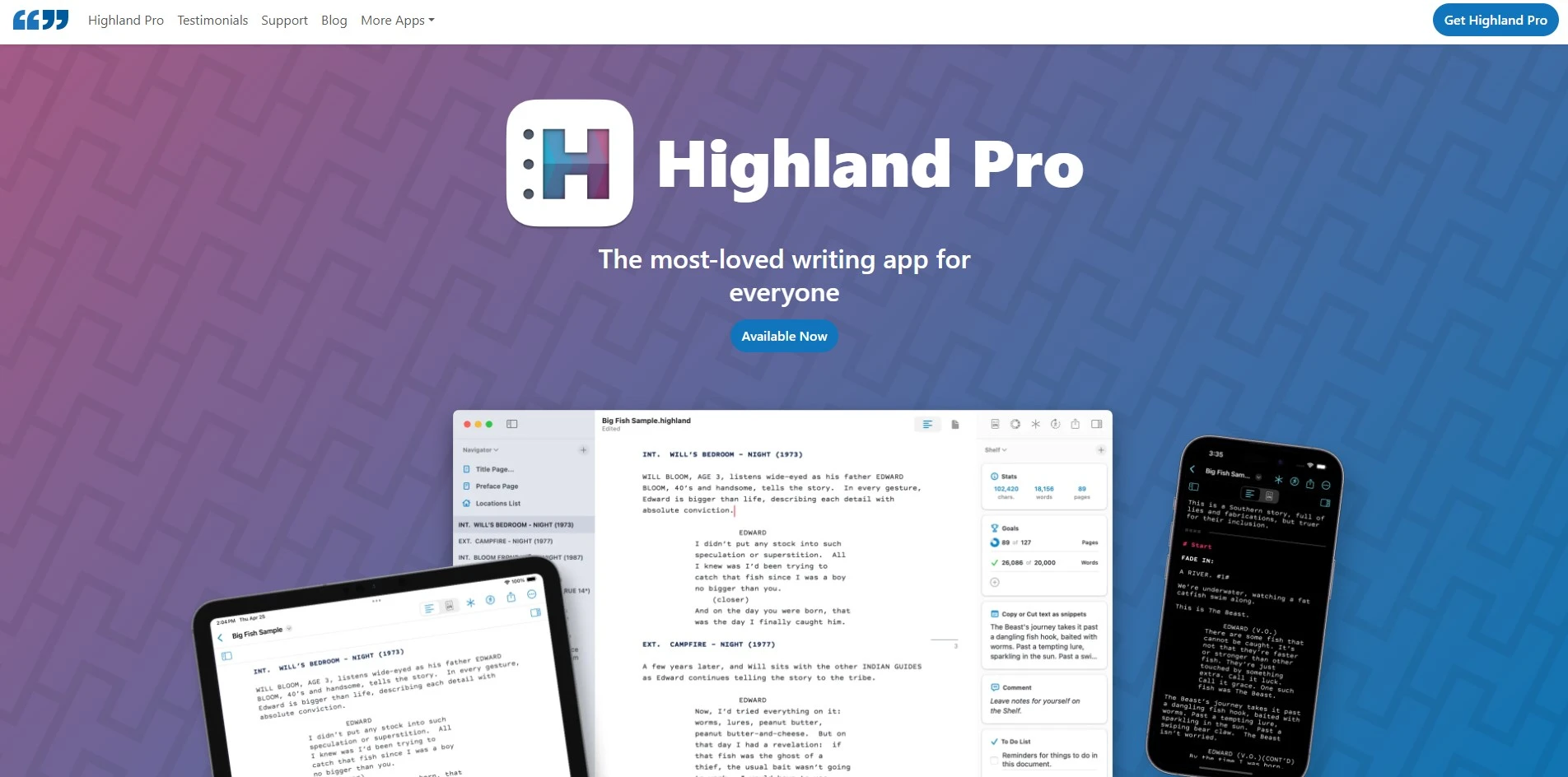
Highland 2 is free to download and write in, with a one-time $49.99 payment required to export watermark-free PDFs and Final Draft files, as confirmed on Quote-Unquote Apps’ official site.
Highland 2 is a Mac-only screenwriting app built around Fountain, the plain-text markup language created by its developer, John August. Writers type in plain text while Highland automatically formats scene headings, dialogue, and transitions, keeping scripts stored as readable files instead of a proprietary format.
Its minimalist, distraction-free design appeals to writers who want formatting to stay out of the way entirely. However, it’s Mac-only with no Windows or web version, and the one-time export fee, while affordable, is a hard requirement for anyone needing clean, submission-ready files.
Pros
- Clean, distraction-free plain-text writing
- One-time payment instead of a subscription
- Fountain format keeps files portable
- Fast, lightweight, and reliable
Cons
- Mac-only, no Windows or web version
- No real-time collaboration features
- Watermarked exports until the fee is paid
10. Mugafi

Premium Subscription Plans
Mugafi offers a free entry tier to start scripts, with premium subscription plans unlocking unlimited scripts and advanced tools, priced on Mugafi’s official website.
Mugafi is an AI-assisted screenwriting platform popular in the Indian film and OTT content space, offering script generation, story development, and formatting tools in one package. It’s designed to help both new and working writers move from a logline to a formatted screenplay more quickly than starting from scratch.
Because Mugafi is closely tied to regional pricing (often listed in INR) and a specific market, international writers may find plan structures slightly less familiar than Western-focused tools. Still, for writers targeting Indian streaming platforms, its story development features are a practical advantage.
Pros
- AI-assisted script and story generation
- Free tier available for new writers
- Popular within Indian film and OTT circles
- Combines development tools with formatting
Cons
- Regional pricing may confuse international users
- Smaller global user base than Western tools
- Less brand recognition outside its core market
11. Dabble
Basic – Priced Monthly
Premium – Higher Monthly Tier
Dabble offers a 14-day free trial, with Basic and Premium subscription tiers billed monthly or annually at a discount, as listed on Dabble’s official pricing page.
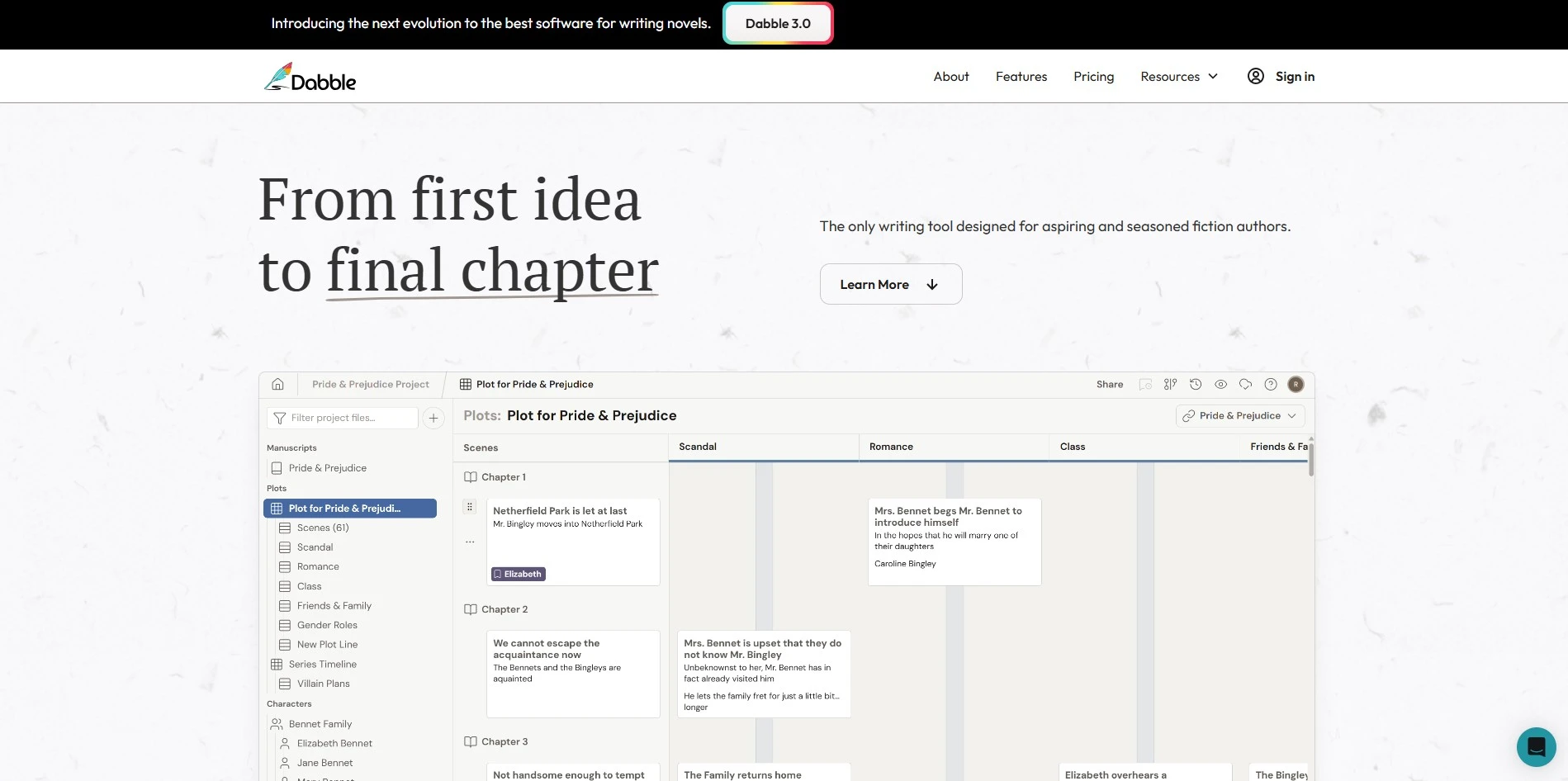
Dabble is primarily a novel-writing app, but its plotting tools, character notes, and scene organization make it a useful alternative for writers who blend prose and script-style planning. Its story notes feature and Plot Grid help writers visualize structure without needing a separate outlining tool.
Since Dabble isn’t built specifically for screenplay formatting, dedicated screenwriters will need to export and reformat content elsewhere for industry submissions. It shines instead for writers developing a story world before translating it into script form, offering a clean, distraction-light writing environment.
Pros
- Clean, distraction-free writing environment
- Plot Grid helps visualize story structure
- 14-day trial with no credit card pressure
- Great for planning before scripting
Cons
- Not built for screenplay formatting
- Better suited to novels than scripts
- Requires exporting to format for screenplays
12. Copy.ai
Chat Plan – $29/mo
Growth Plan – $1,000/mo
Copy.ai’s Free plan includes 2,000 words monthly, the Chat plan starts at $29/month ($24/month billed annually) for five seats, and Growth, Expansion, and Scale plans start at $1,000/month and up, per Copy.ai’s official pricing page.
Copy.ai is a marketing and content-focused AI writing platform rather than a screenwriting tool, built for generating ad copy, emails, and go-to-market workflows. Writers sometimes use its Chat feature and templates to brainstorm loglines, taglines, or promotional copy for their scripts and projects.
The pricing structure has a steep jump from the $29 Chat tier straight to $1,000-per-month workflow plans, leaving little middle ground for solo screenwriters. Copy.ai works best as a supplementary tool for marketing your script or project rather than as a drafting or formatting solution.
Pros
- Useful for marketing copy around your script
- Free tier available with no cost
- Multi-model AI access (OpenAI, Anthropic, Gemini)
- Large template library for quick tasks
Cons
- Not built for screenplay writing at all
- Huge pricing gap between Chat and Growth tiers
- Better suited to marketing teams than writers
13. WriterDuet
Plus – $9.99/mo
Pro – $11.99/mo
Premium – $13.99/mo
WriterDuet’s Free plan supports 3 projects, while Plus, Pro, and Premium plans run $9.99, $11.99, and $13.99 per month respectively, each offering a free trial, according to WriterDuet’s official pricing page.
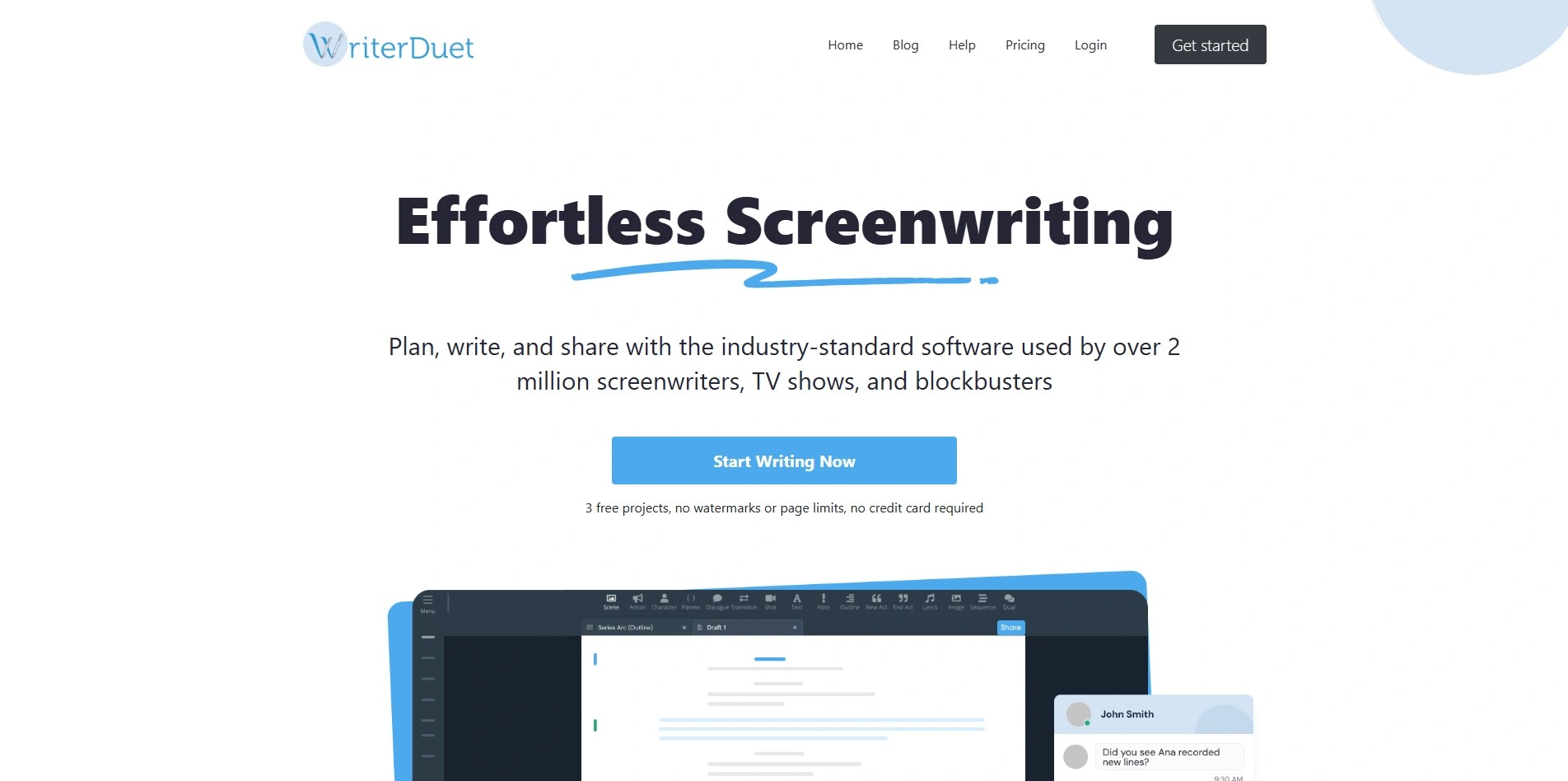
WriterDuet is a cloud-based, collaborative screenwriting app that lets multiple writers edit the same script in real time, complete with chat, comments, and revision tracking. It’s a strong Arc Studio Pro alternative for writing teams, offering cross-device access from desktop, tablet, or phone without losing formatting consistency.
Its affordability compared to legacy software like Final Draft makes it attractive for indie writers and small teams alike. The desktop app can feel slightly clunky compared to sleeker competitors, but the real-time collaboration and industry-standard export options make it a dependable, budget-friendly choice.
Pros
- Real-time collaborative editing
- Affordable compared to Final Draft
- Cross-device syncing and offline mode
- Free tier lets you test core features
Cons
- Desktop app can feel clunky at times
- Free plan capped at 3 projects
- Fewer AI-assisted features than newer competitors
| Alternative | Description |
|---|---|
| StoryCraft AI | AI writing assistant that turns video ideas into structured, research-backed scripts with a visual storyboard view. |
| Google Gemini | General-purpose AI assistant with strong reasoning and Google Docs integration, useful for brainstorming and drafting. |
| Storyflow | AI-powered canvas that treats a story bible as a knowledge graph, ideal for series continuity and world-building. |
| ScriptAI Pro | Cloud-based AI script editor offering real-time dialogue and pacing suggestions as writers draft. |
| Vimeo AI Script Writer | Script generator bundled with Vimeo’s video platform, best for short marketing and explainer content. |
| Squibler | Versatile AI writing platform for novels, self-help books, and screenplays with drag-and-drop organization. |
| Beemgee | Visual story-plotting tool for mapping characters, arcs, and structure before drafting a full script. |
| Claude | Anthropic’s AI assistant, useful for dialogue polishing and structural feedback across long documents. |
| Highland 2 | Mac-only Fountain-based screenwriting app with a minimalist, distraction-free plain-text interface. |
| Mugafi | AI-assisted screenwriting platform popular in Indian film and OTT circles for story development and formatting. |
| Dabble | Novel-focused writing app with Plot Grid and story notes, useful for planning before scripting. |
| Copy.ai | Marketing-focused AI writing tool useful for promotional copy and loglines rather than screenplay drafting. |
| WriterDuet | Cloud-based, collaborative screenwriting app with real-time editing and affordable, tiered pricing. |
Conclusion
Choosing the right Arc Studio Pro alternative really comes down to what stage of the writing process you need the most help with. Writers who want AI-driven drafting and story development might lean toward Storyflow, Squibler, or Mugafi, while those who prefer minimalist, distraction-free formatting will likely prefer Highland 2. Teams that need real-time collaboration are best served by WriterDuet, and general-purpose AI assistants like Claude or Google Gemini work well as supporting tools alongside a dedicated screenwriting app.
There’s no single best option for every writer, but the diversity of tools here means you can mix and match based on budget, platform, and workflow. Try the free trials and free tiers first, since most of these tools let you test core functionality before committing to a paid plan, and pick the one that actually fits how you write.


