

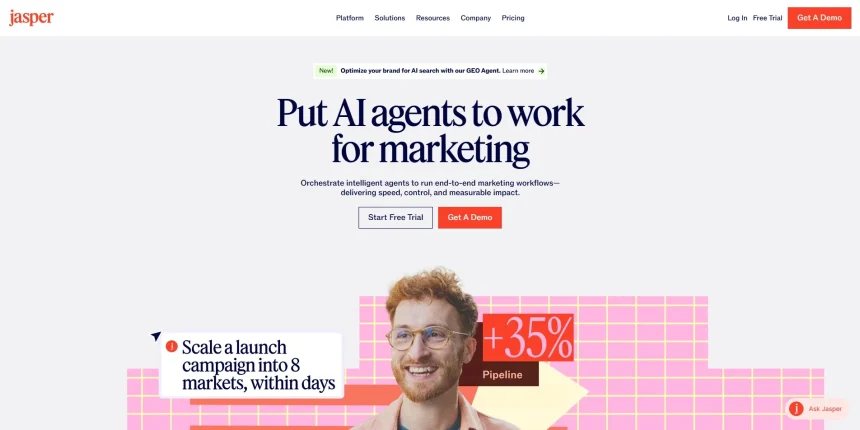
Jasper AI built its name on marketing copy, but writers who need scripts, screenplays, and story structure often outgrow it fast. Whether you’re producing YouTube videos, animated explainers, novels, or full feature screenplays, a purpose-built alternative usually gets you better formatting, story logic, and creative control. Below are 10 Jasper AI Alternatives, each suited to a different kind of scriptwriting or storytelling workflow.
We’ve broken down what each tool offers, their free trials where available, current pricing plans, and the pros and cons worth knowing before you commit. Use this guide to match the right platform to your project, budget, and creative style.
1. Powtoon AI Script Writer

Free Plan Available | Paid Plans Start at $15/month
Powtoon combines an AI script writer with animation tools, making it ideal for explainer videos and marketing content. A free plan lets new users test the basics before upgrading. The AI script writer generates structured video scripts from a simple idea, saving hours of planning.
Beyond scripting, Powtoon lets you turn that script directly into an animated video with characters, voiceovers, and visual effects. This makes it a strong pick for creators who want script and production in one platform rather than juggling separate tools for writing and animating.
The credit system, however, means AI-heavy users can burn through their monthly allowance faster than expected. Teams producing frequent avatar-based or voiceover-heavy videos should budget for credit top-ups on top of the base subscription fee.
Pros
- Script and animation in one platform
- Free plan to test before buying
- Good for marketing and explainer videos
Cons
- Credit system can get expensive fast
- Not built for long-form screenplay writing
- Higher tiers get pricey for solo creators
2. Mugafi

Free Trial Available | Custom Pricing on Request
Mugafi is an AI-assisted writing platform built specifically for screenwriters and storytellers, offering research support, rewriting help, dialogue expansion, and formatting tools. It also connects writers with human mentors for feedback, blending AI speed with real editorial guidance on scripts.
What sets Mugafi apart is its focus on production-ready scripts. It runs quality checks using algorithms and offers mentor-guided feedback, aiming to close the gap between amateur drafts and studio-standard material. This makes it appealing for writers targeting real production deals.
Because Mugafi leans on community and mentorship features alongside AI, it may feel slower or less self-contained than tools built purely for solo drafting. Writers wanting instant AI output without waiting on human review may find the workflow less streamlined.
Pros
- Human mentor feedback alongside AI tools
- Built specifically for screenwriters
- Quality scoring and formatting automation
Cons
- Pricing isn’t transparent upfront
- Mentor-based feedback can slow turnaround
- Smaller user base than mainstream tools
3. StoryCraft AI

Free Trial Typically Offered | Subscription-Based Pricing
StoryCraft AI focuses on narrative structure, helping writers plan plots, characters, and story arcs before diving into full scripts. It’s designed for writers who need help organizing ideas into a coherent structure, rather than just generating prose or dialogue on demand.
The tool’s strength lies in outlining and structuring stories using proven narrative frameworks, such as three-act structure or the hero’s journey. This makes StoryCraft AI especially useful in the early planning phase, before a writer commits to drafting full scenes or dialogue.
Where it falls short is in producing final, polished prose. Writers often need to move their outline into another tool for actual scene-by-scene writing, meaning StoryCraft AI works best as a complement rather than a complete standalone solution.
Pros
- Strong story structuring frameworks
- Good for early-stage planning
- Helps beat writer’s block on outlines
Cons
- Not ideal for final script drafting
- Pricing details vary by region/update
- Limited collaboration on lower tiers
4. Squibler
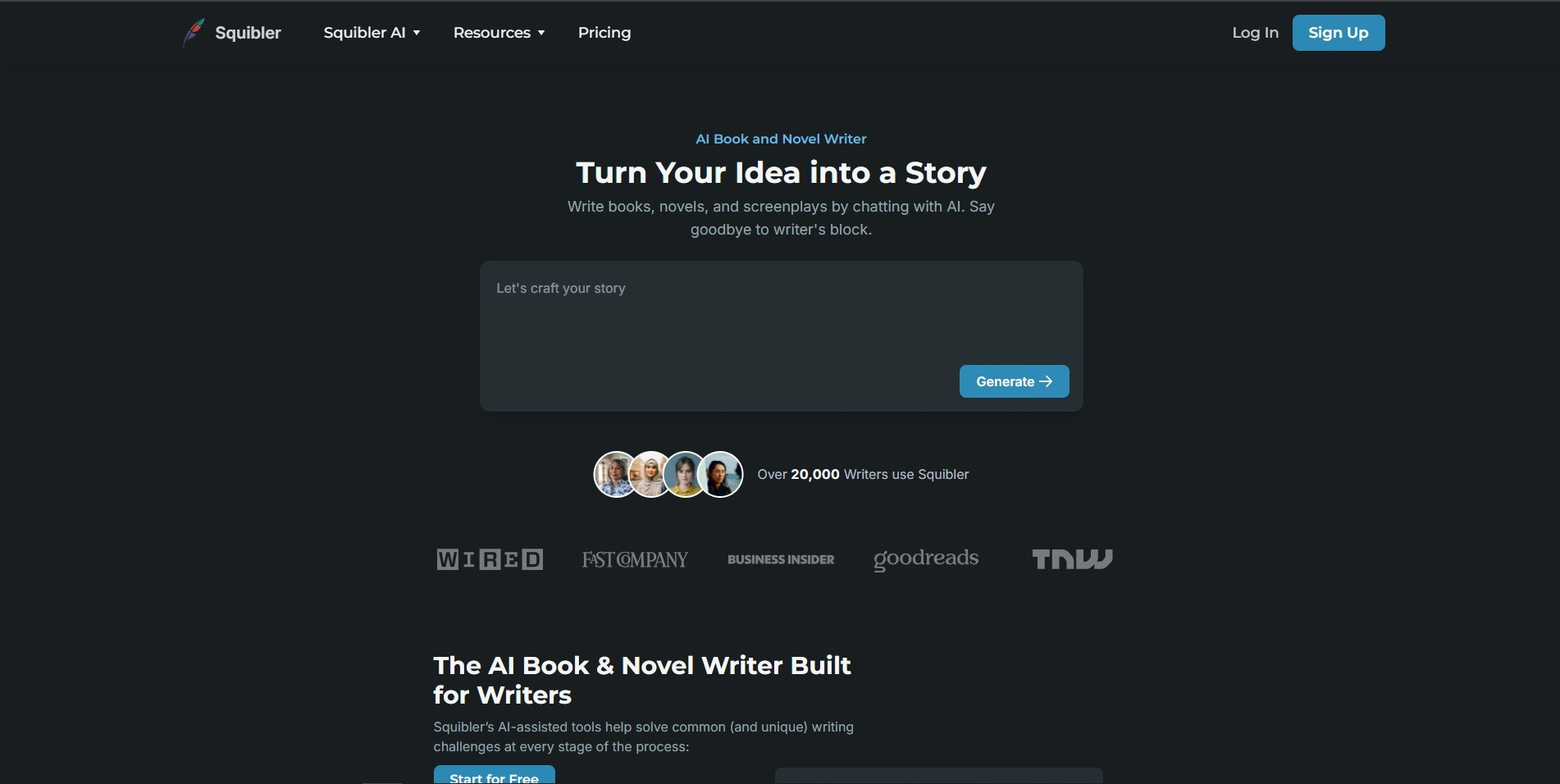
Free Limited Plan Available | Paid Plans from $16/month
Squibler is an AI-powered writing platform built for novels, screenplays, and long-form content, offering both drafting assistance and project management tools. Its free Limited Tier lets writers test the interface before committing to a paid plan with unlimited AI credits.
Squibler adapts to different formats, whether you’re writing a novel, self-help book, or movie script, and includes a Story Bible feature for tracking characters, notes, and plot elements. It also supports publishing extras like cover design once your project is finished.
The credit-based system on the Plus plan can restrict heavy AI users, pushing them toward the pricier Pro tier. Some writers also find Squibler’s cost steep compared to simpler novel-writing apps that lack the same AI depth.
Pros
- Free tier to test before paying
- Handles novels and screenplays alike
- Includes Story Bible for organization
Cons
- Plus plan credits can run out quickly
- Pro tier pricing is on the higher side
- Learning curve for full feature set
5. Final Draft
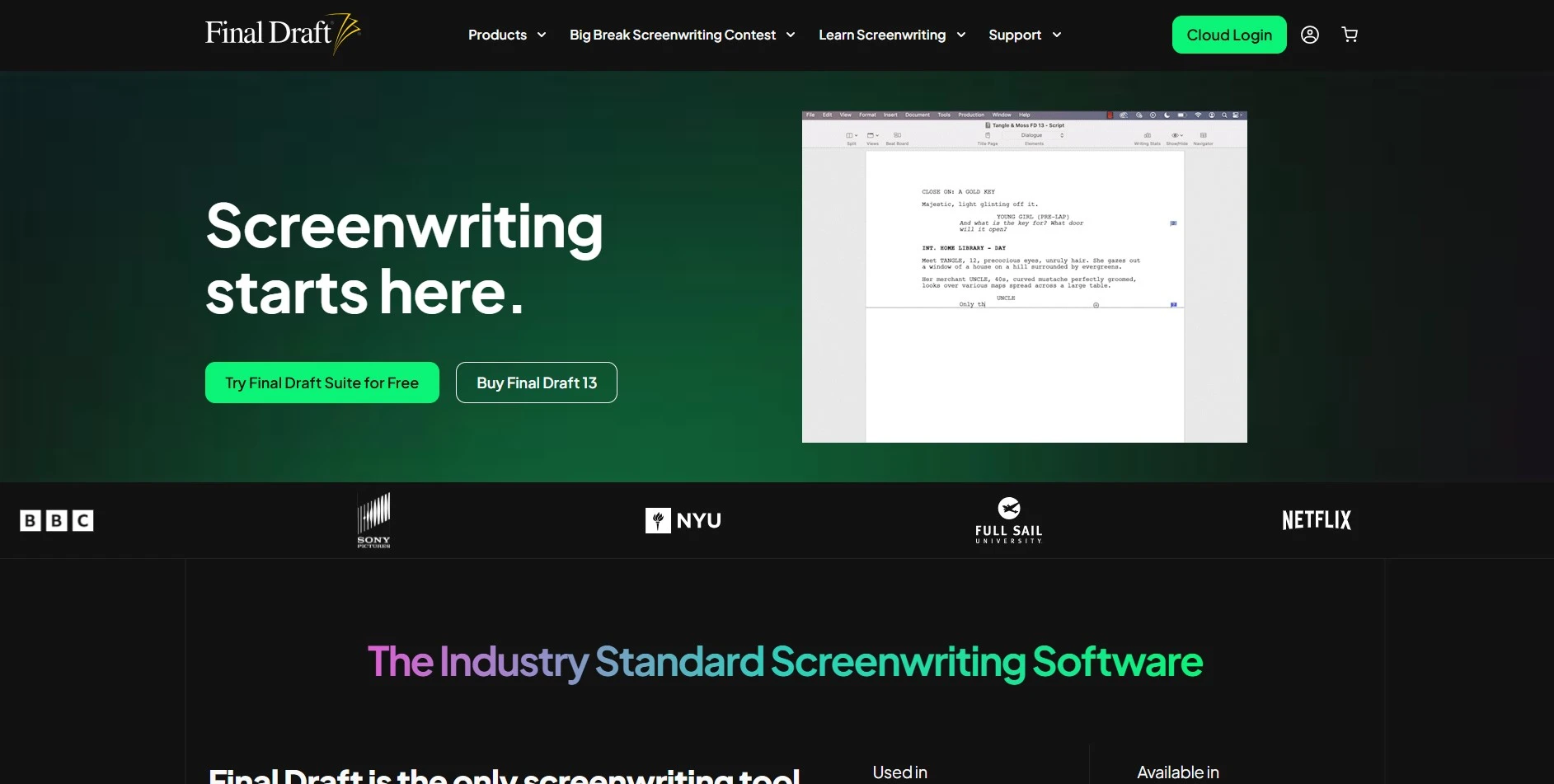
30-Day Free Trial Available | One-Time Price Around $249.99
Final Draft is the industry-standard screenwriting software used across Hollywood, offering precise script formatting, beat boards, and collaboration tools. Unlike most entries on this list, it’s sold as a one-time purchase rather than a recurring subscription, appealing to professional screenwriters.
Its automatic industry-standard formatting, character and dialogue reports, and Navigator tool for searching scenes make it a favorite among working screenwriters. Final Draft also supports speech-to-script input and integrates smoothly with most other screenwriting software via the .fdx file format.
The upfront cost is a real barrier for beginners or hobbyist writers, especially compared to subscription-based competitors. It also lacks native AI generation features, focusing instead purely on formatting, organization, and industry compliance rather than content creation.
Pros
- Industry-standard formatting and .fdx support
- One-time payment, no recurring fees
- Powerful reports and Navigator search tools
Cons
- High upfront price for casual writers
- No built-in AI script generation
- Volume licensing can be cumbersome
6. ChatGPT

Free Plan Available | Plus Plan at $20/month
ChatGPT is a flexible general-purpose AI assistant that many writers use for brainstorming scripts, dialogue, and story outlines despite not being scriptwriting-specific. Its free tier gives casual access, while paid tiers unlock faster, more capable models for serious writing sessions.
Because ChatGPT isn’t locked into a single format, writers use it for everything from screenplay dialogue to novel chapters to video scripts, simply by adjusting prompts. Its conversational style also makes it useful for quickly reworking scenes or exploring alternate story directions.
It lacks dedicated screenplay formatting, beat boards, or story-bible features that specialized tools offer natively. Writers typically need to copy content into a separate formatting tool like Final Draft to get an industry-ready script document.
Pros
- Extremely flexible for any writing style
- Affordable entry-level paid plan
- Fast iteration and brainstorming
Cons
- No native script formatting tools
- Not built specifically for storytelling structure
- Higher tiers get expensive quickly
7. Plottr

Free Trial Available | Paid Plans Start Around $25 (Lifetime Options Offered)
Plottr is a visual story-outlining tool that helps writers plan plots, timelines, and character arcs using drag-and-drop cards. It’s popular among novelists and screenwriters who prefer visualizing their story structure before writing full scenes or chapters.
Its templates for popular story structures, like Save the Cat or the Hero’s Journey, make it beginner-friendly for writers who struggle with plotting. Plottr also syncs with Scrivener, making it easy to move from outline to full manuscript without retyping structure notes.
Plottr focuses purely on outlining and planning, not on writing polished prose or dialogue. Writers still need a separate drafting tool once their outline is complete, making Plottr one part of a larger writing workflow rather than a complete solution.
Pros
- Visual, drag-and-drop story planning
- Built-in popular story structure templates
- Syncs well with Scrivener
Cons
- No drafting or dialogue-writing features
- Requires pairing with another writing tool
- Learning curve for advanced templates
8. ScriptAI Pro
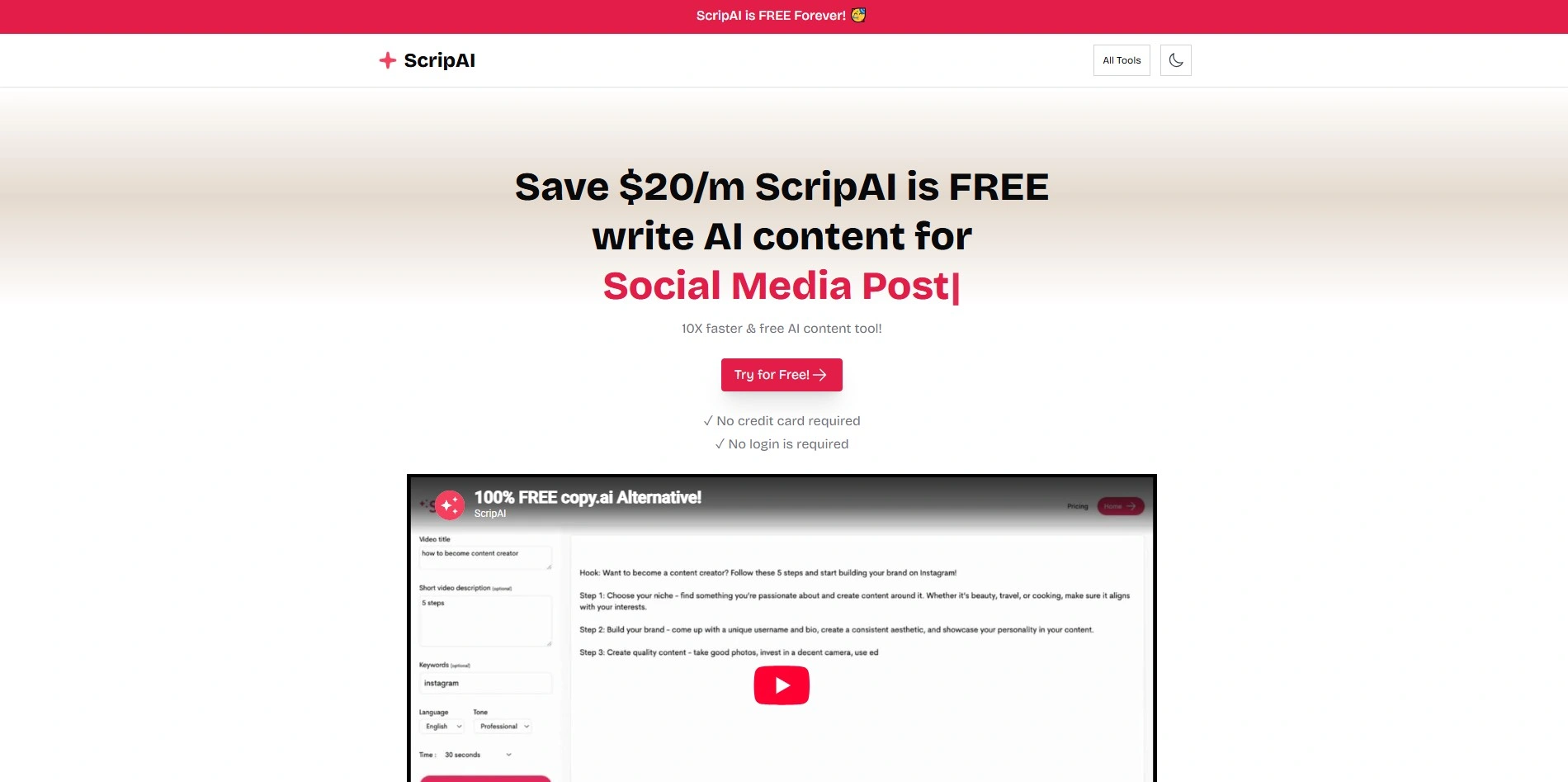
Free Trial Often Available | Subscription-Based Pricing
ScriptAI Pro is a scriptwriting-focused AI tool designed to generate scenes, dialogue, and formatted screenplay content quickly. It targets video creators, indie filmmakers, and screenwriters who want AI-generated first drafts they can then revise and polish themselves.
The tool speeds up first-draft generation significantly, which appeals to creators working on tight production schedules. Formatting output generally follows standard screenplay conventions, reducing the manual cleanup writers would otherwise need to do after AI generation.
As a newer entrant compared to established screenwriting software, ScriptAI Pro has a smaller user community and fewer third-party integrations. Writers relying on niche formatting standards may need to double-check output against industry norms before submitting scripts.
Pros
- Fast AI-generated screenplay drafts
- Standard formatting built in
- Good for tight production timelines
Cons
- Smaller community and support base
- Fewer integrations than major competitors
- Output may need formatting double-checks
9. Storyflow
Free Trial Available | Subscription Pricing Varies by Plan
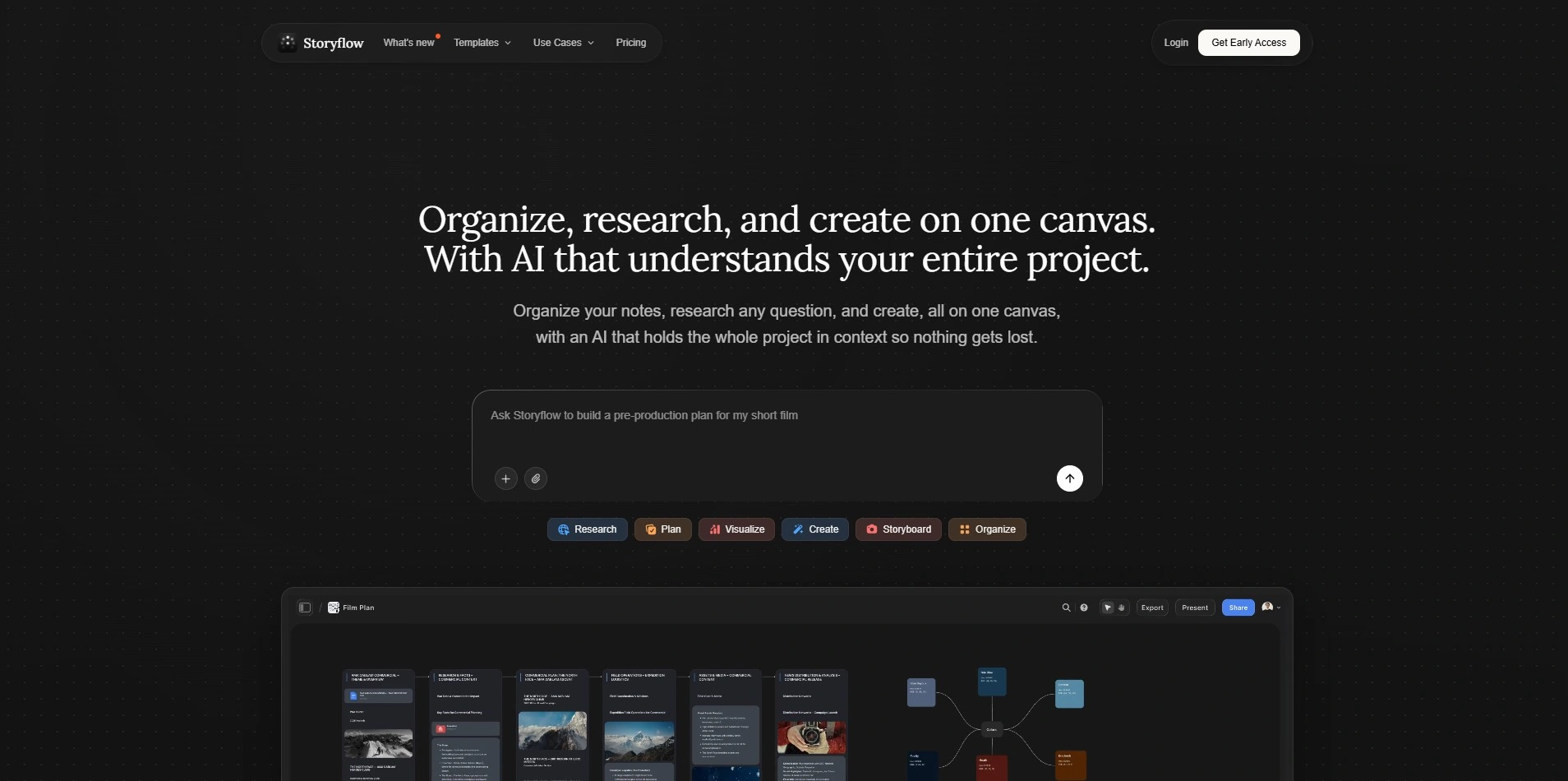
Storyflow is an AI-assisted platform aimed at helping writers map out narrative flow, pacing, and structure across scripts or long-form stories. It emphasizes keeping story momentum consistent, flagging pacing issues or structural gaps as you build out your script.
Its pacing-analysis features are useful for writers who struggle with saggy middles or uneven story momentum. By visualizing structure alongside AI suggestions, Storyflow helps writers spot where a script drags or rushes before a script even reaches a table read or edit.
Because it leans heavily into structural analysis, Storyflow may feel less useful for writers who already have strong outlining instincts. It also doesn’t fully replace dedicated formatting software for final industry-ready screenplay documents.
Pros
- Strong pacing and structure analysis
- Helps identify story gaps early
- Useful for both scripts and long-form fiction
Cons
- Less useful for experienced outliners
- Not a full formatting replacement
- Pricing tiers can shift frequently
10. Google Gemini

Free Plan Available | Google AI Pro at $19.99/month
Google Gemini is a general-purpose AI assistant increasingly used by writers for brainstorming scripts, dialogue, and story ideas, especially by those already inside the Google ecosystem. Its free tier offers solid daily use, while paid tiers unlock the more capable Gemini models.
Gemini integrates directly with Docs, Sheets, and Gmail, which is convenient for writers who already draft scripts inside Google Workspace. Its Deep Research and Gems features also help with world-building research or gathering reference material for period pieces or technical scripts.
Like ChatGPT, Gemini lacks dedicated screenplay formatting or story-bible tools built for scriptwriting specifically. Writers still need to export content into specialized software for proper industry formatting once the creative draft is complete.
Pros
- Deep integration with Google Workspace
- Affordable entry-level paid tier
- Strong research features for writers
Cons
- No dedicated script formatting tools
- Higher tiers can get costly for solo writers
- Not built specifically for storytelling structure
Comparison Table
| Alternative | Description |
|---|---|
| Powtoon AI Script Writer | AI script generator paired with animation tools for explainer and marketing videos. |
| Mugafi | AI writing platform with human mentor feedback built specifically for screenwriters. |
| StoryCraft AI | Narrative structuring tool that helps writers plan plots and character arcs before drafting. |
| Squibler | AI writing platform for novels and screenplays with Story Bible and publishing tools. |
| Final Draft | Industry-standard screenwriting software with professional formatting and collaboration tools. |
| ChatGPT | Flexible general AI assistant used widely for script brainstorming and dialogue writing. |
| Plottr | Visual, drag-and-drop story outlining tool with popular narrative structure templates. |
| ScriptAI Pro | AI tool focused on generating fast, formatted screenplay drafts for filmmakers and creators. |
| Storyflow | AI platform focused on pacing and narrative flow analysis across scripts and long-form stories. |
| Google Gemini | General AI assistant integrated with Google Workspace, useful for research and script brainstorming. |
Conclusion
Jasper AI works well for marketing copy, but scriptwriters and storytellers often need more specialized tools. Whether you want dedicated screenplay formatting like Final Draft, structural planning like Plottr, or flexible AI brainstorming like ChatGPT or Gemini, there’s a strong alternative suited to your workflow and budget on this list.
The right choice ultimately depends on what stage of writing you need help with most: outlining, drafting, formatting, or polishing. Try the free trials or free plans where available before committing to a paid subscription, and match the tool to your actual writing habits rather than just its feature list.


